


My approach
Before any design work started, I built the process the team would use to work on design. Without it I felt that approvals would be unclear, and iteration would become reactive.
I created a 5-gate UX approval pipeline, presented it to the business owners, and onboarded the product team with it. It separates research from design (gated approval at each stage), and defines who needs to sign off at each point before anything moves forward.
User Personas
Define who we're designing for.
No gateEmpathy Mapping
Understand user feelings, needs and pain points.
No gateCard Sorting
Validate information architecture with users.
No gateUser Journey Mapping
Map the full end-to-end user experience.
No gateUser Flows
Future-state
- Does this flow work for the user goal?
- Is everything included relevant for this version release?
- Is the flow based on best practices?
- Are there unforeseen eventualities which need to be considered?
Low-fi Design Files
Wireframes
- Have all messages been included?
- Is everything included relevant for this version release?
- Is the design based on best practices?
- Are there unforeseen eventualities which need to be considered?
Hi-fi Design Files
Final designs
- Does it look good?
Comments will have been raised and resolved in previous gates.
The gating system keeps development scoped to designs that have been properly reviewed, means feedback is given at the right stage, and gives the team confidence that what goes into build is ready. It creates space to step back and review the platform’s structure at a big-picture level: How data connects through the system to meet user goals. Collaboration is what makes the whole workflow effective: the team’s feedback at each stage is what lets me design a consistent multi-channel experience for the user.
The app
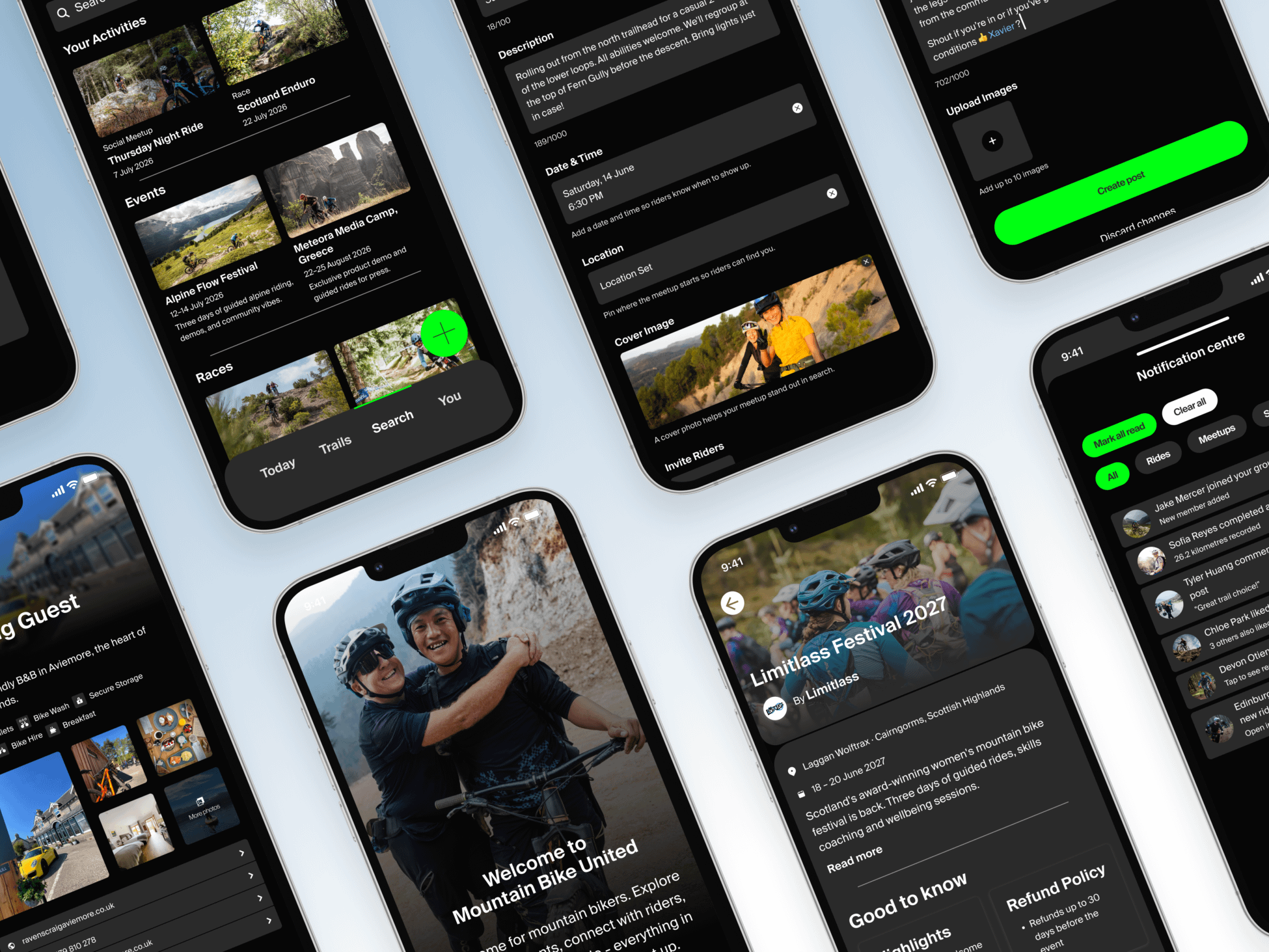
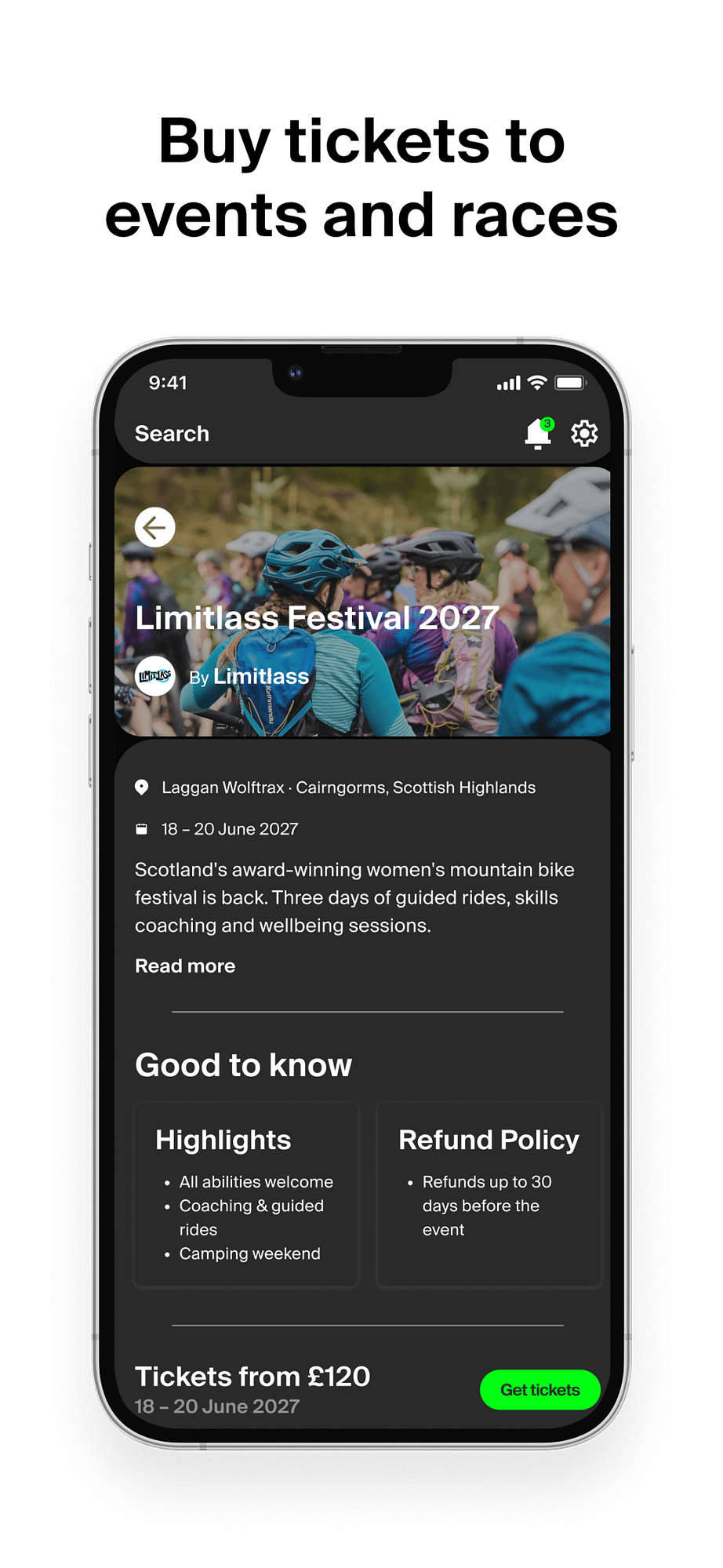
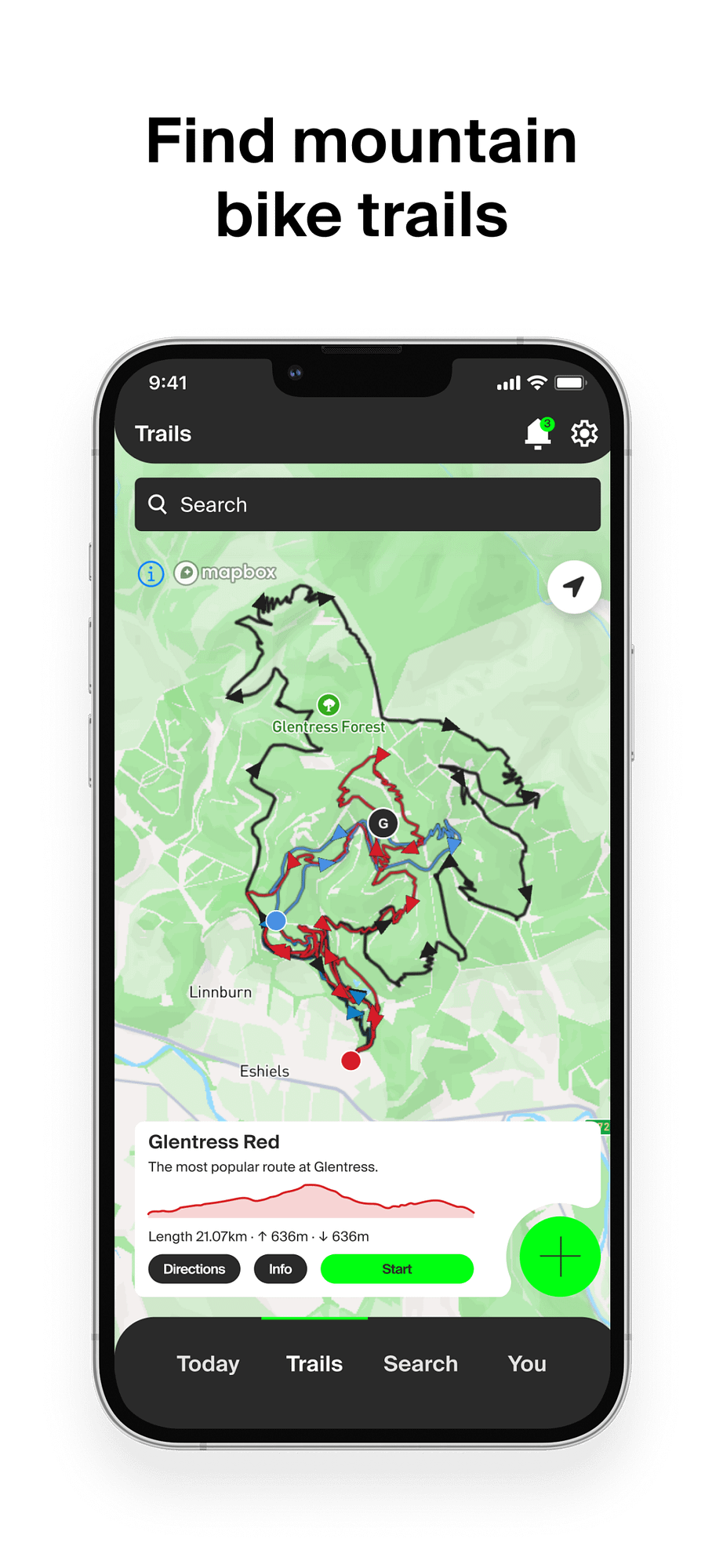
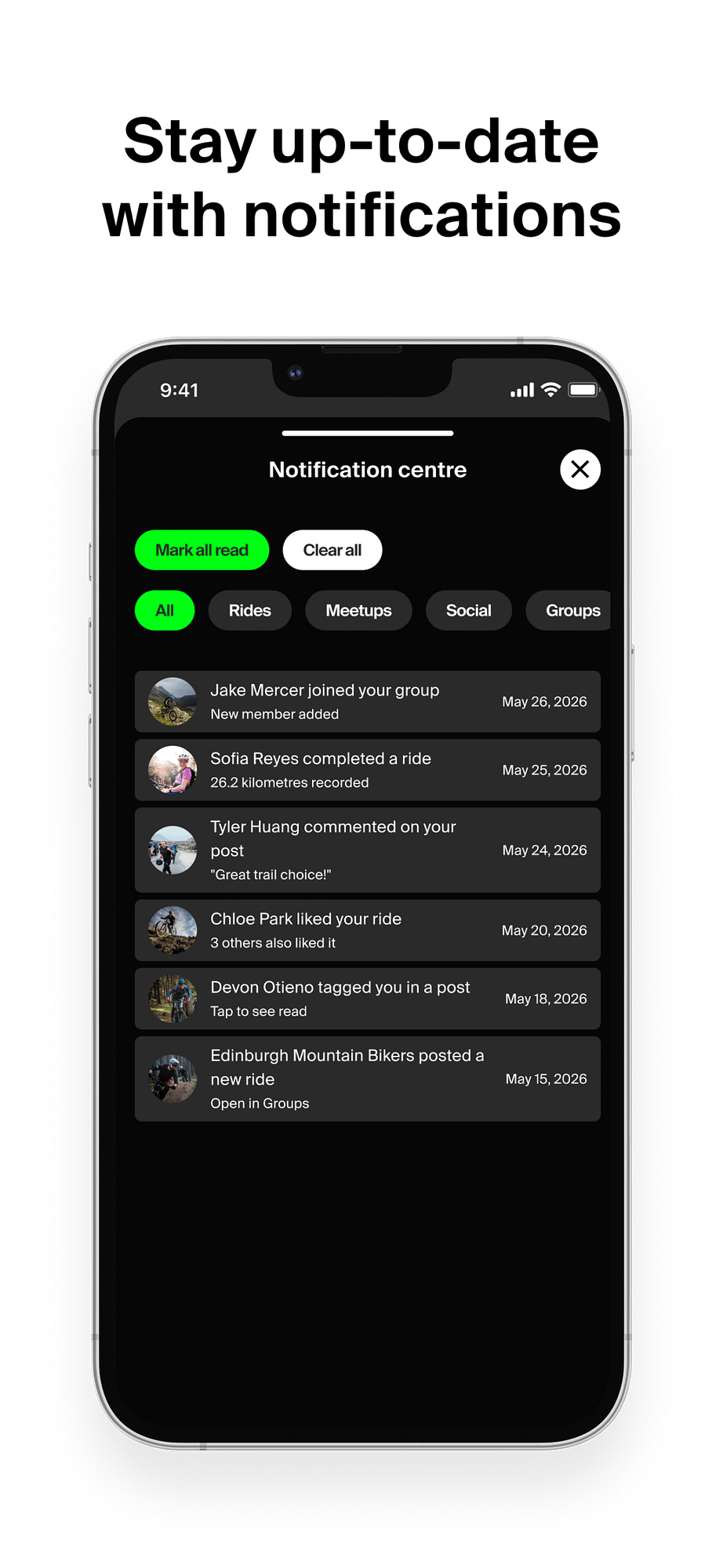
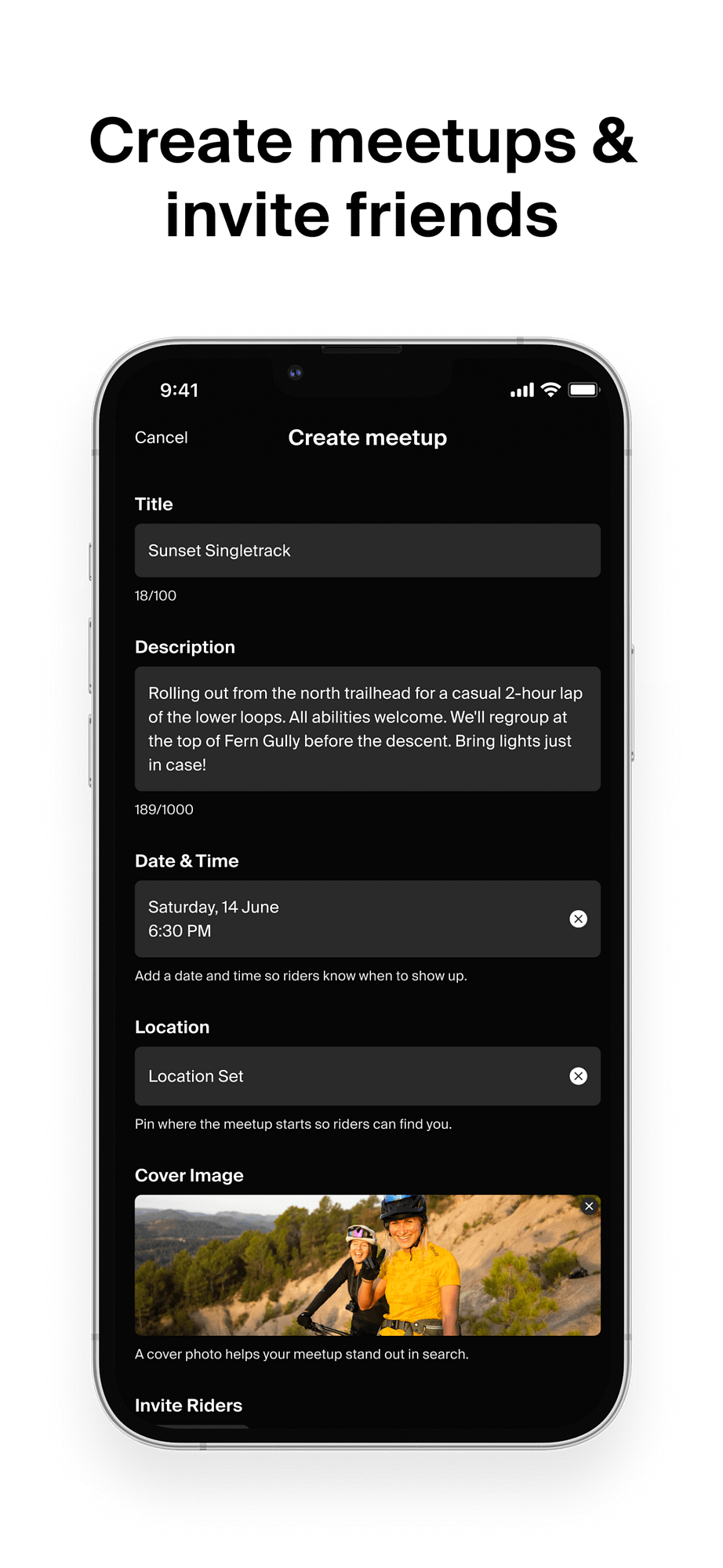
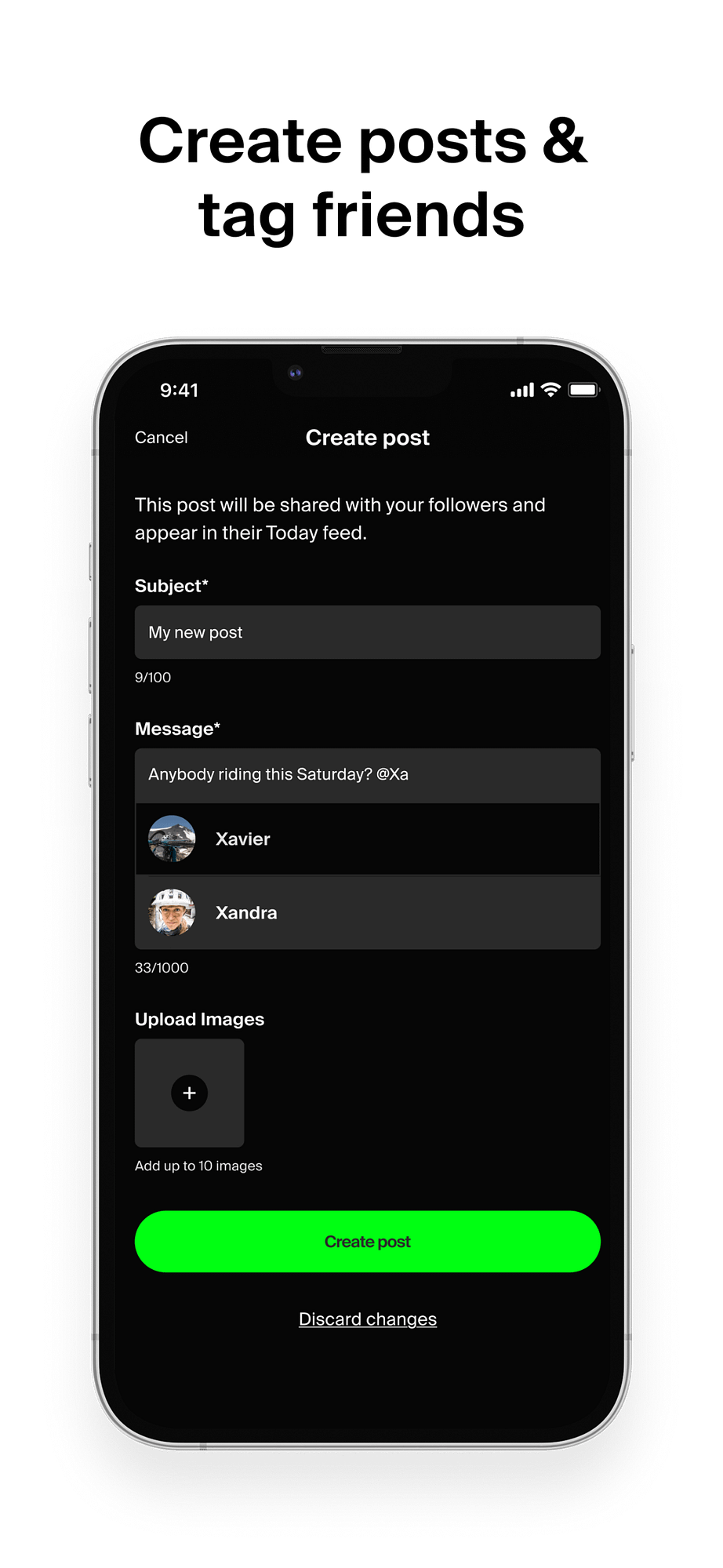
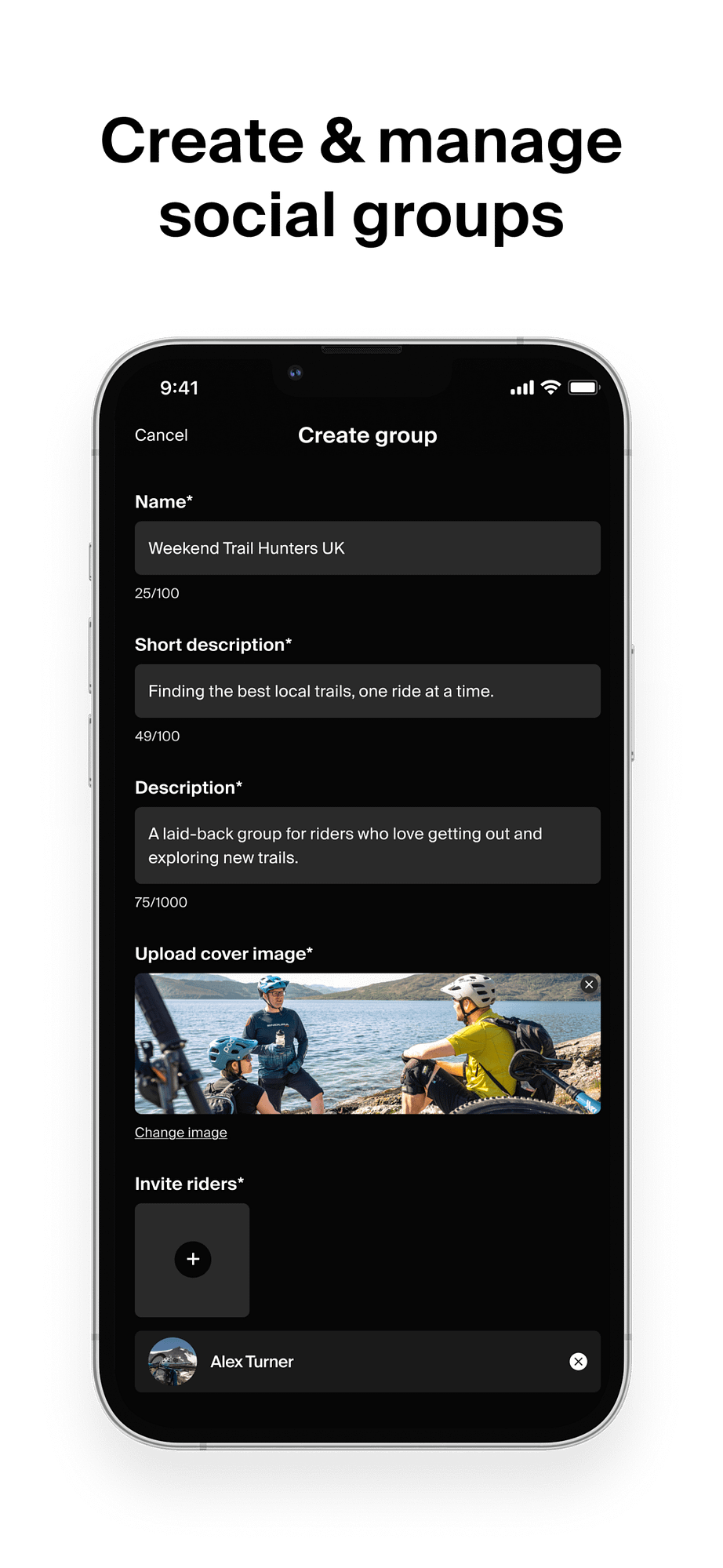
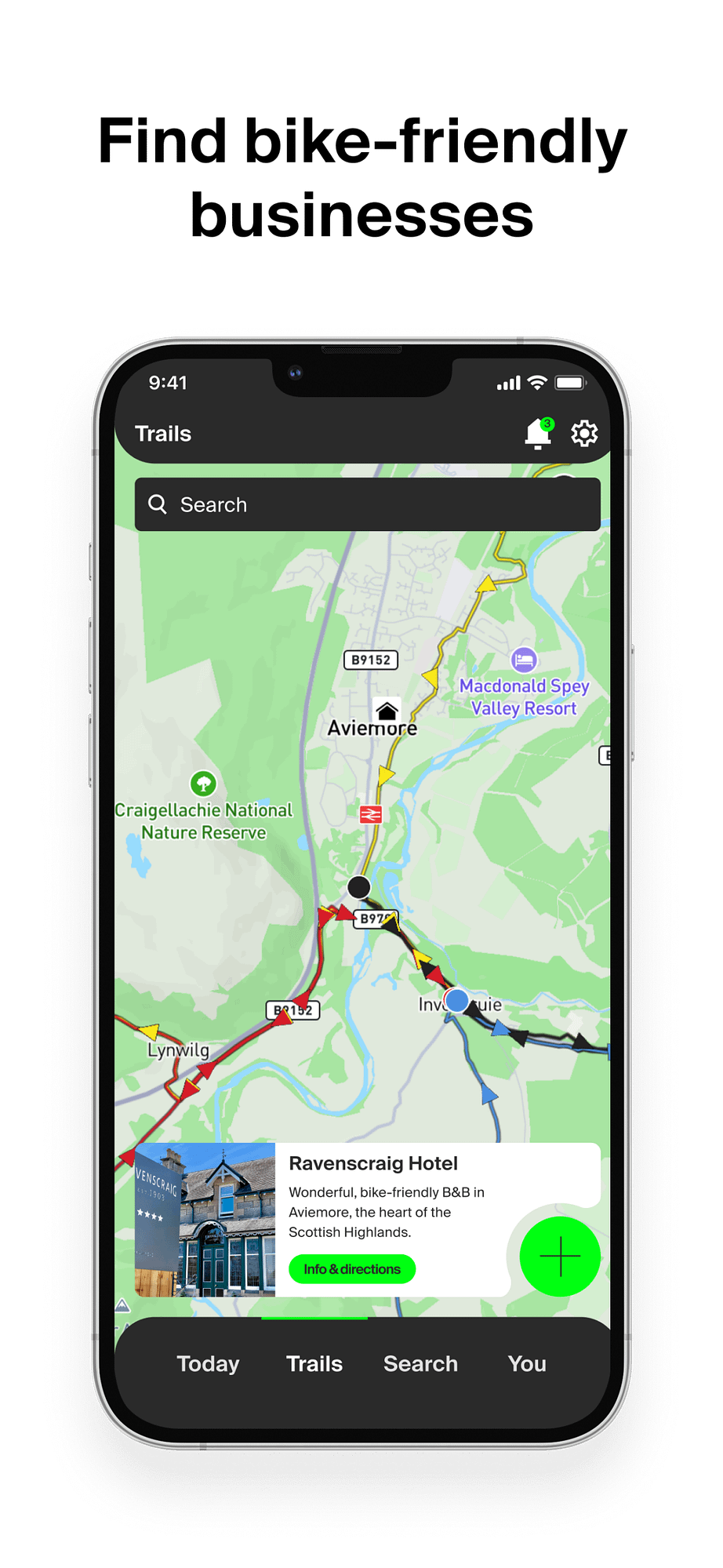
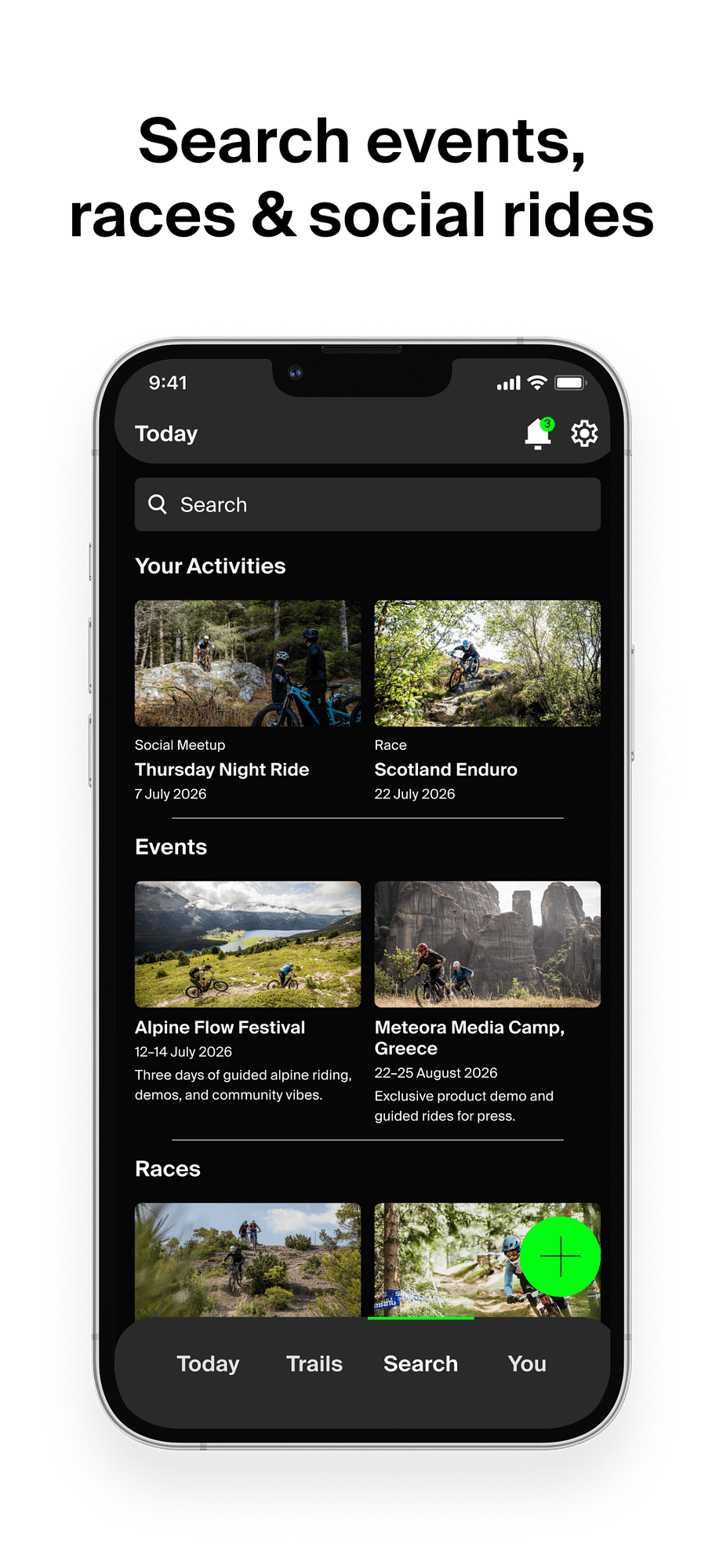
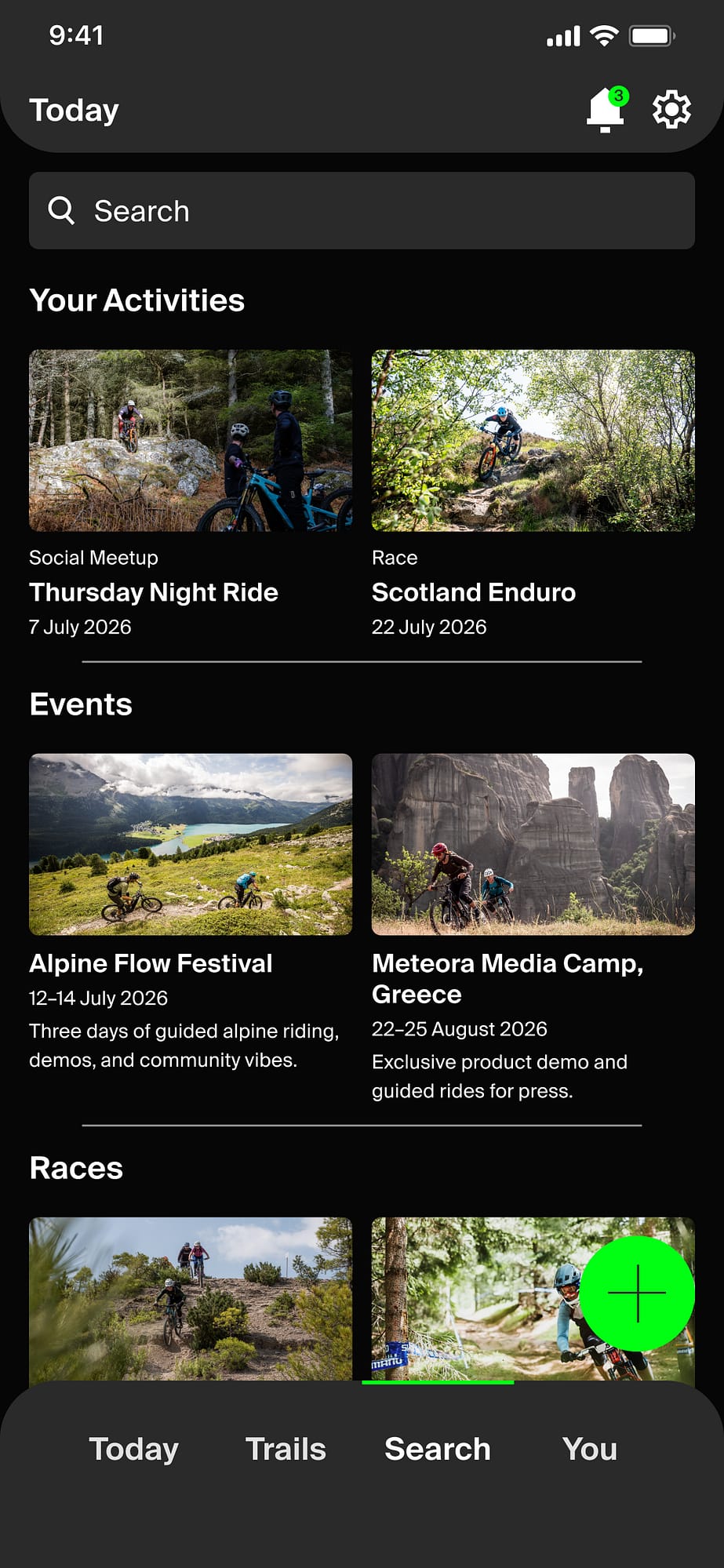
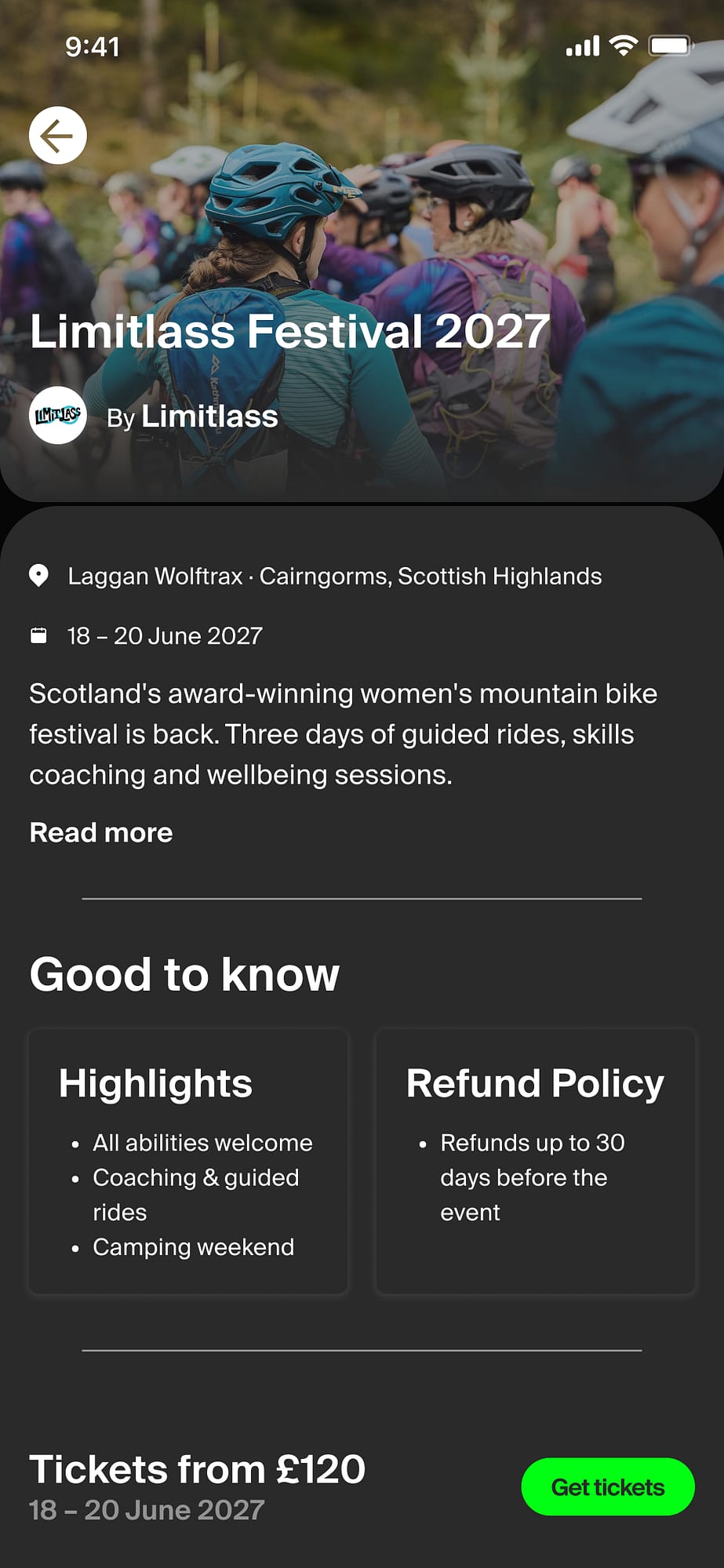
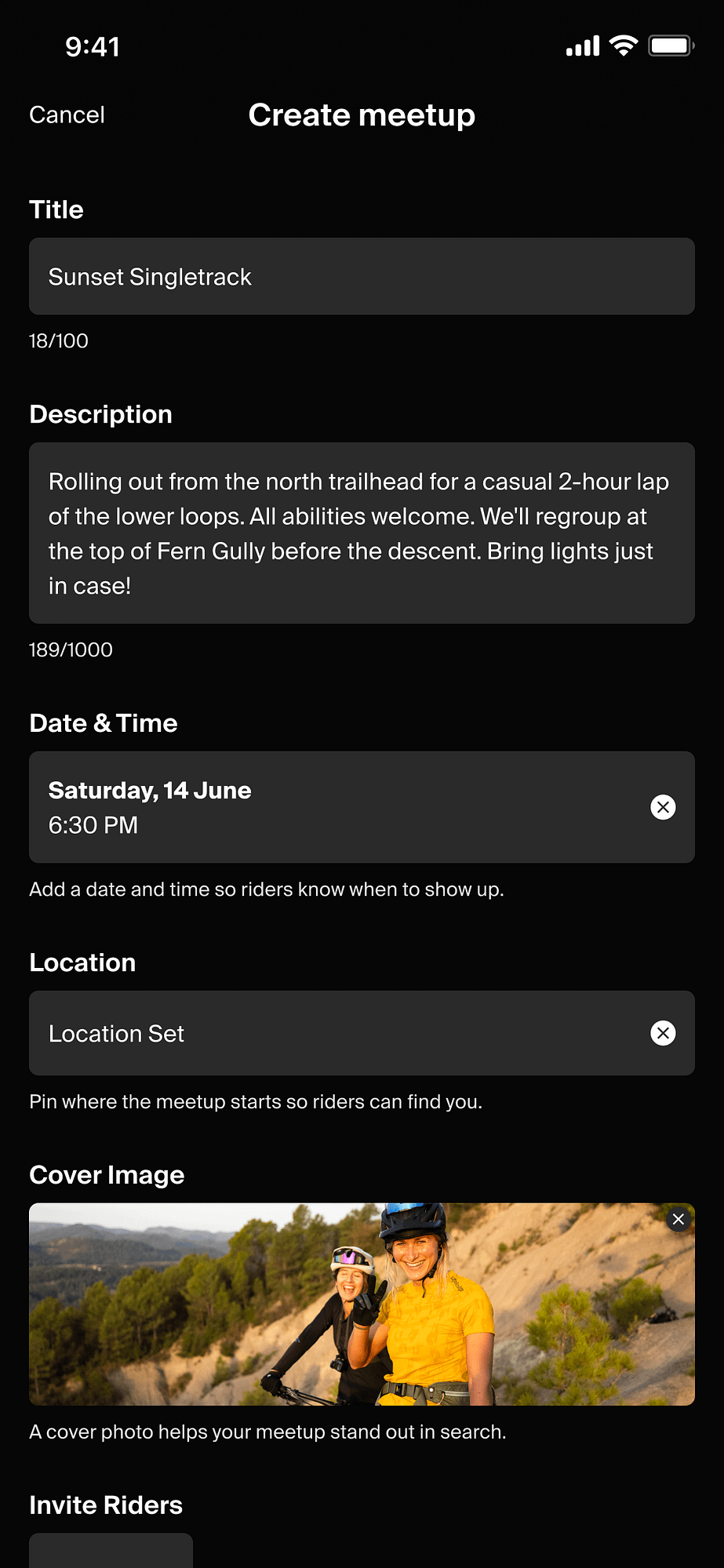
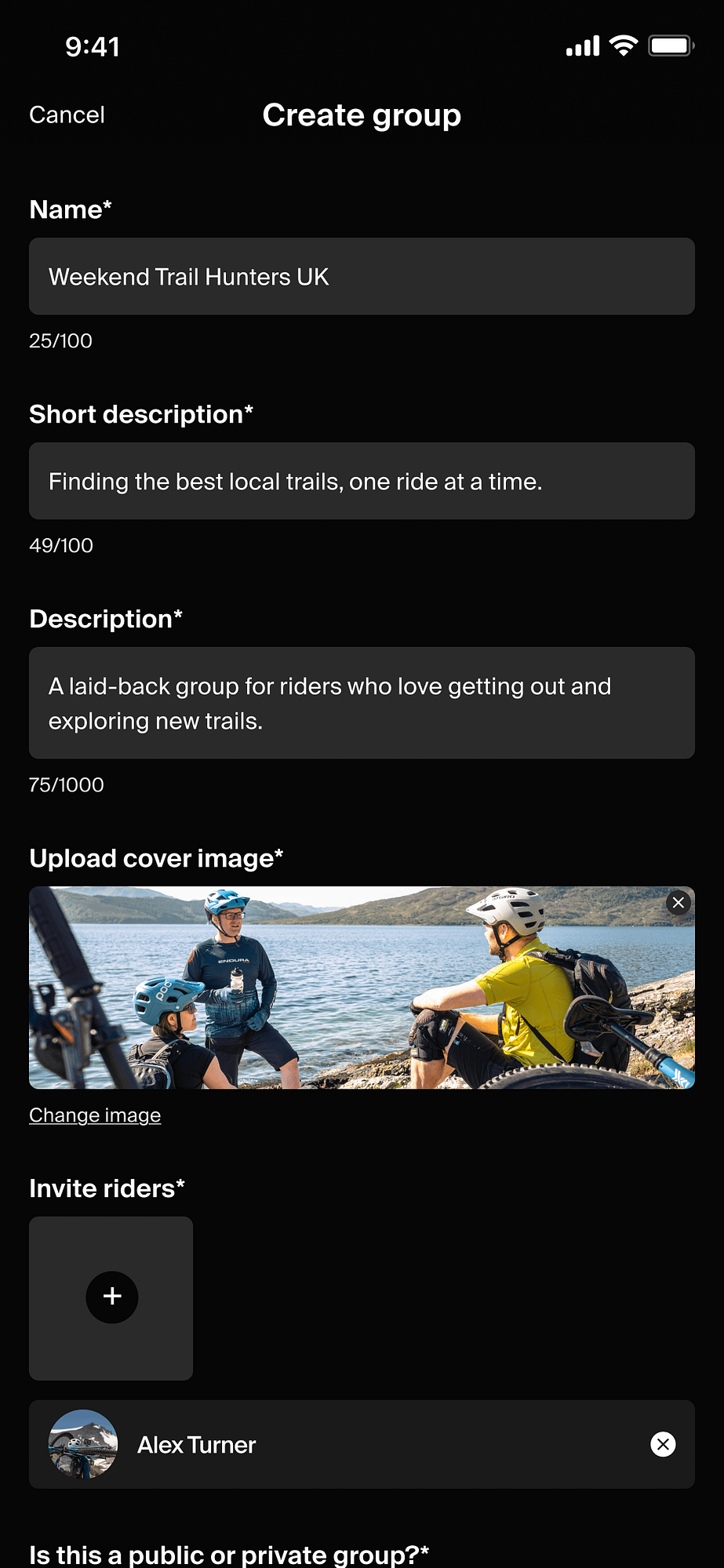
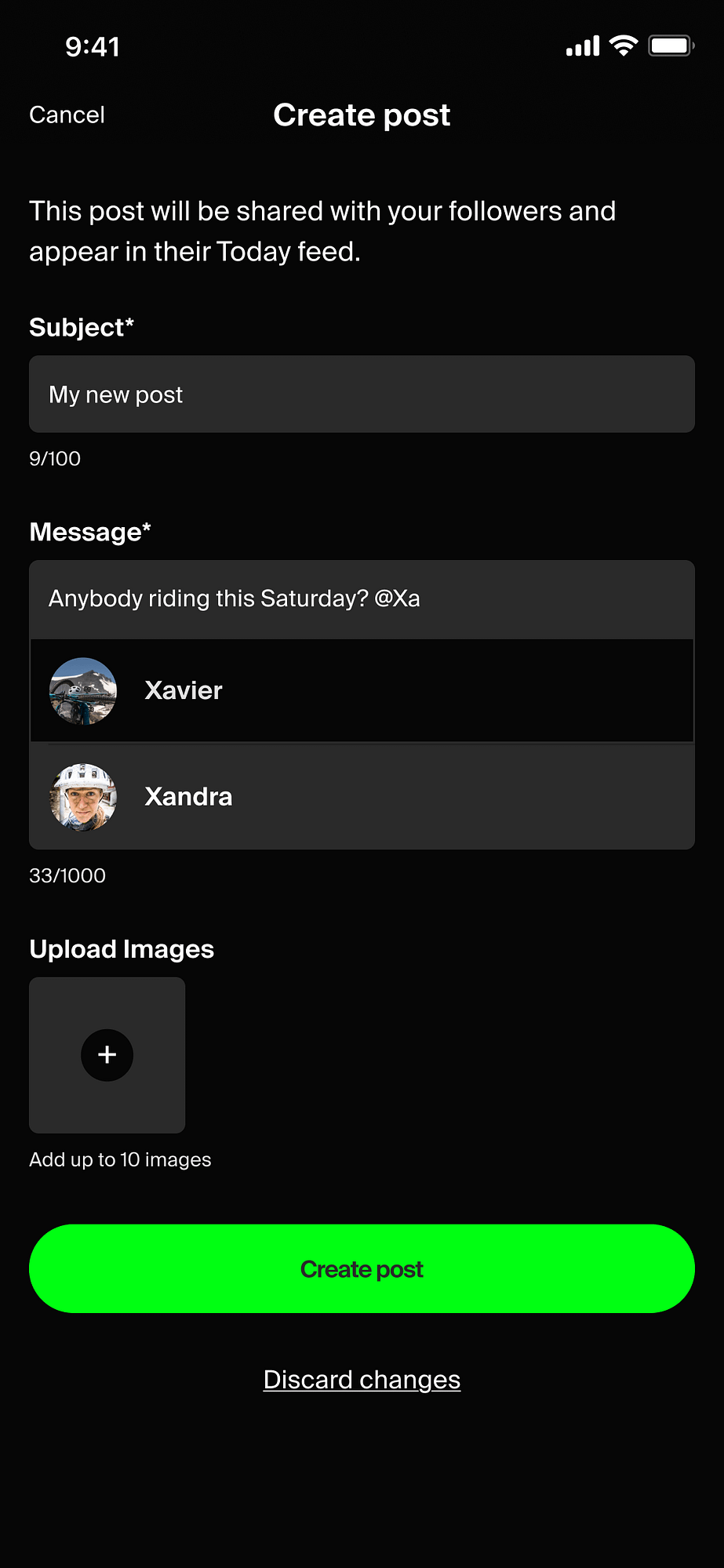
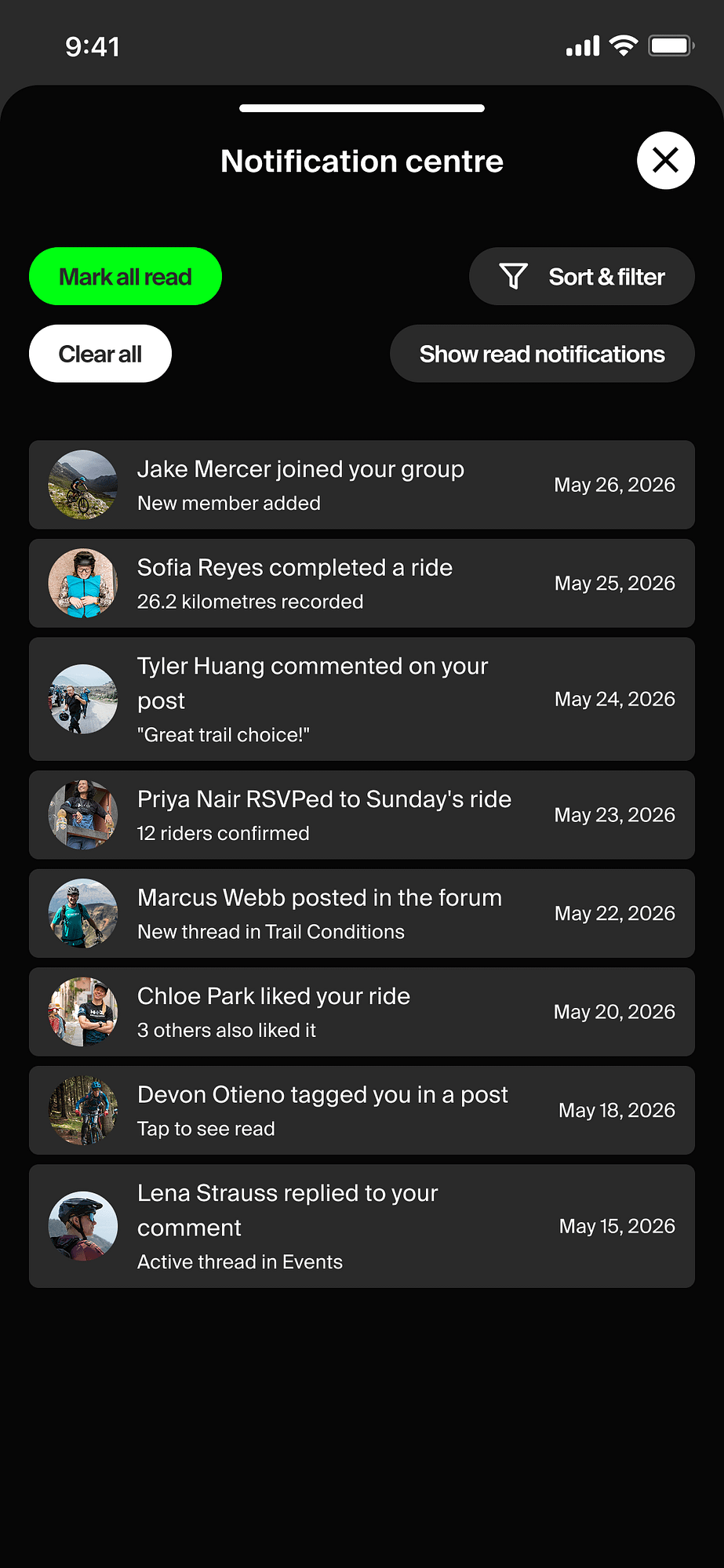
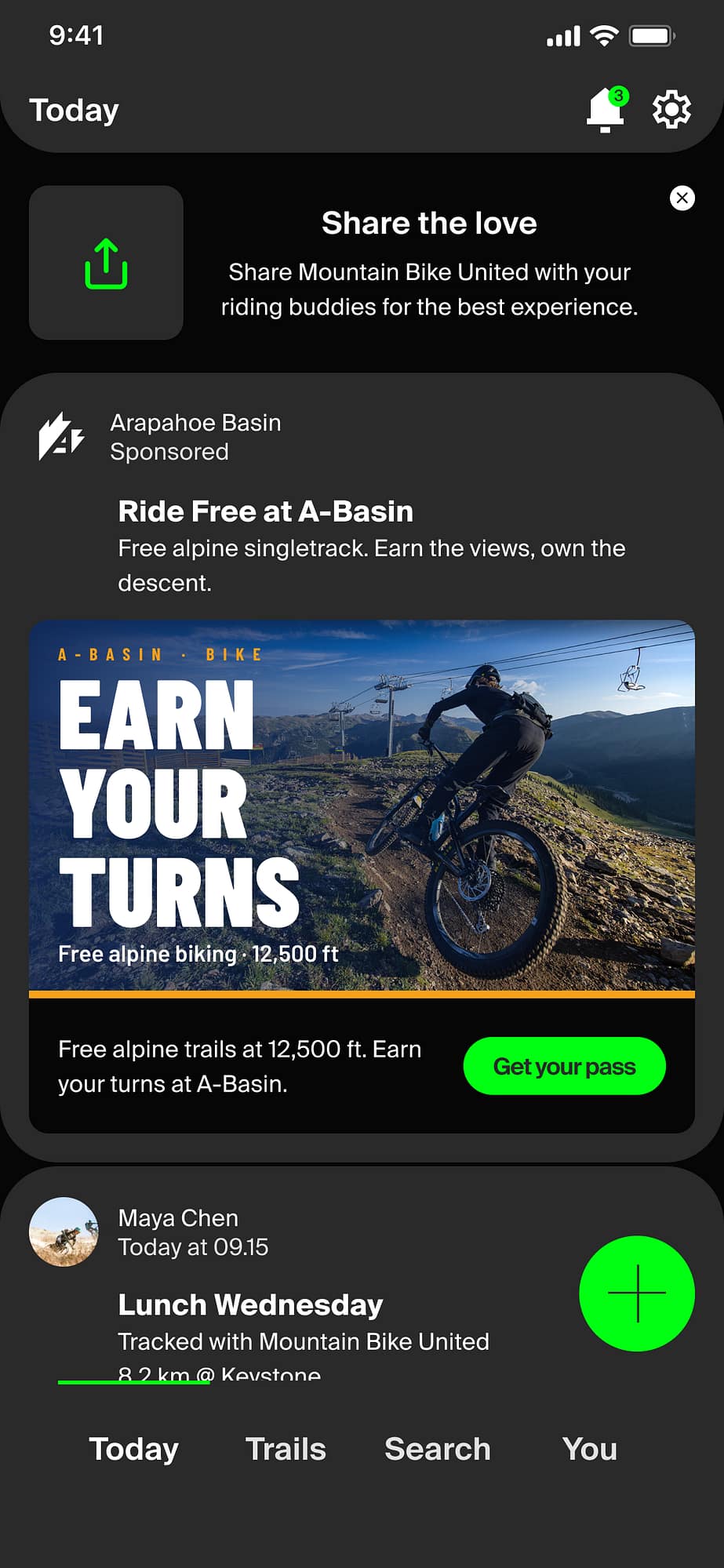
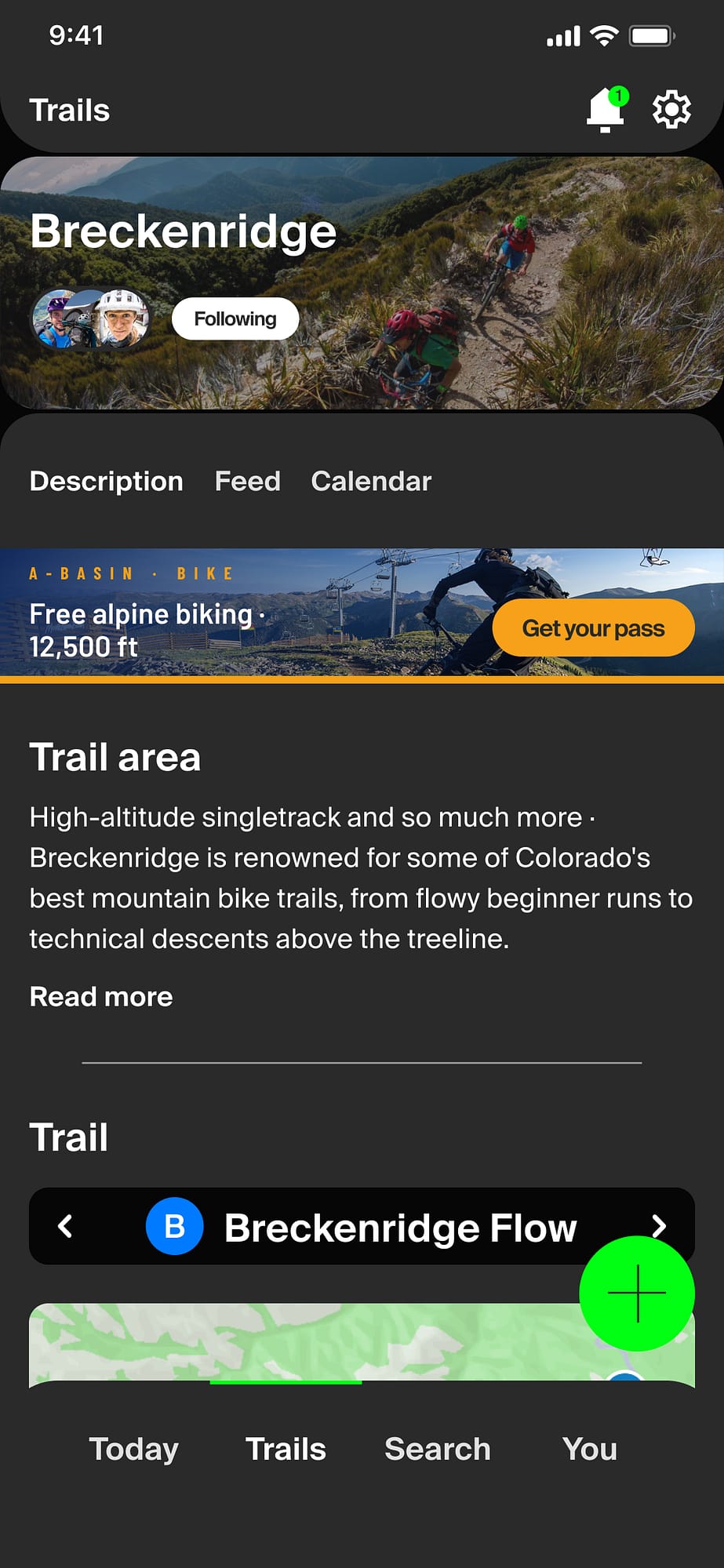
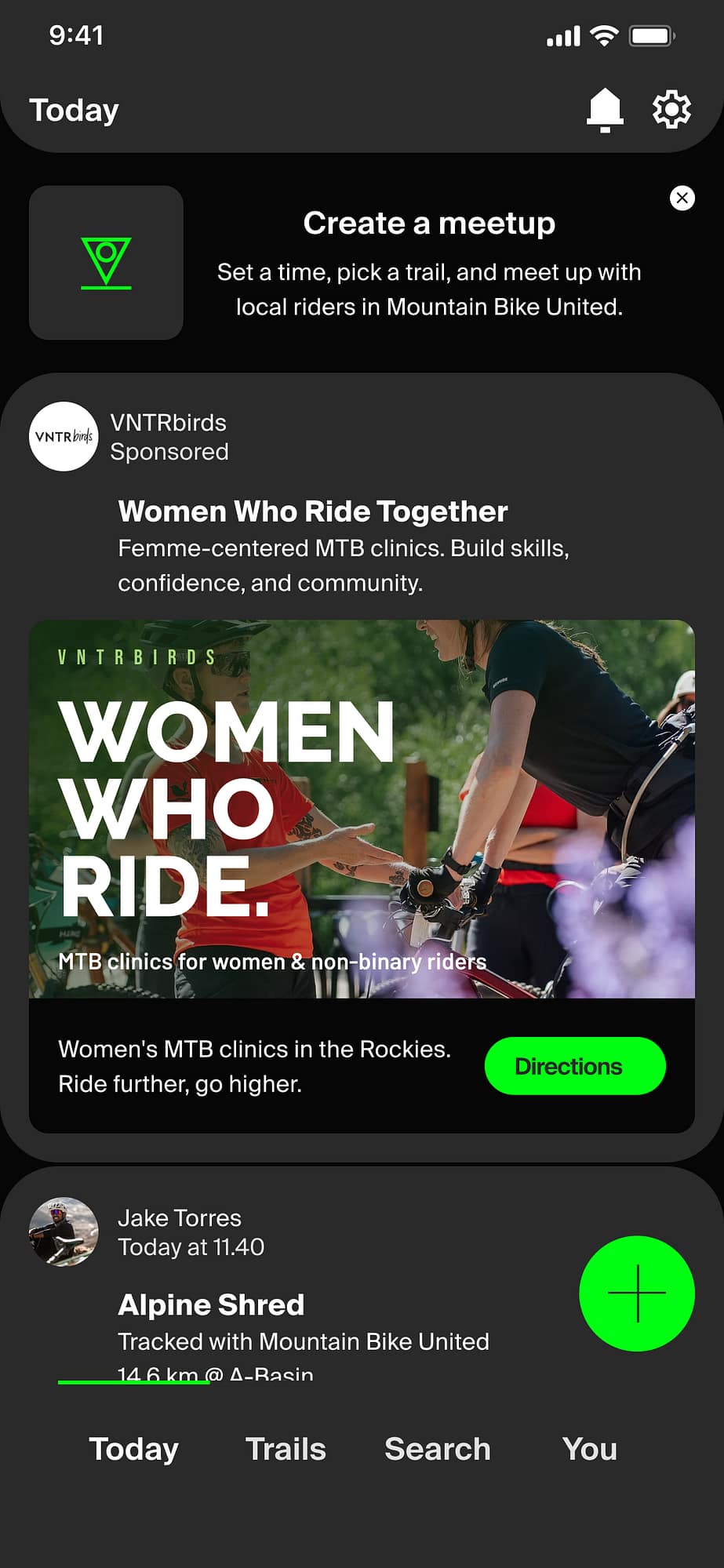
The app is dark-themed throughout: Near-black surfaces and a single brand green plus the semantic colours.
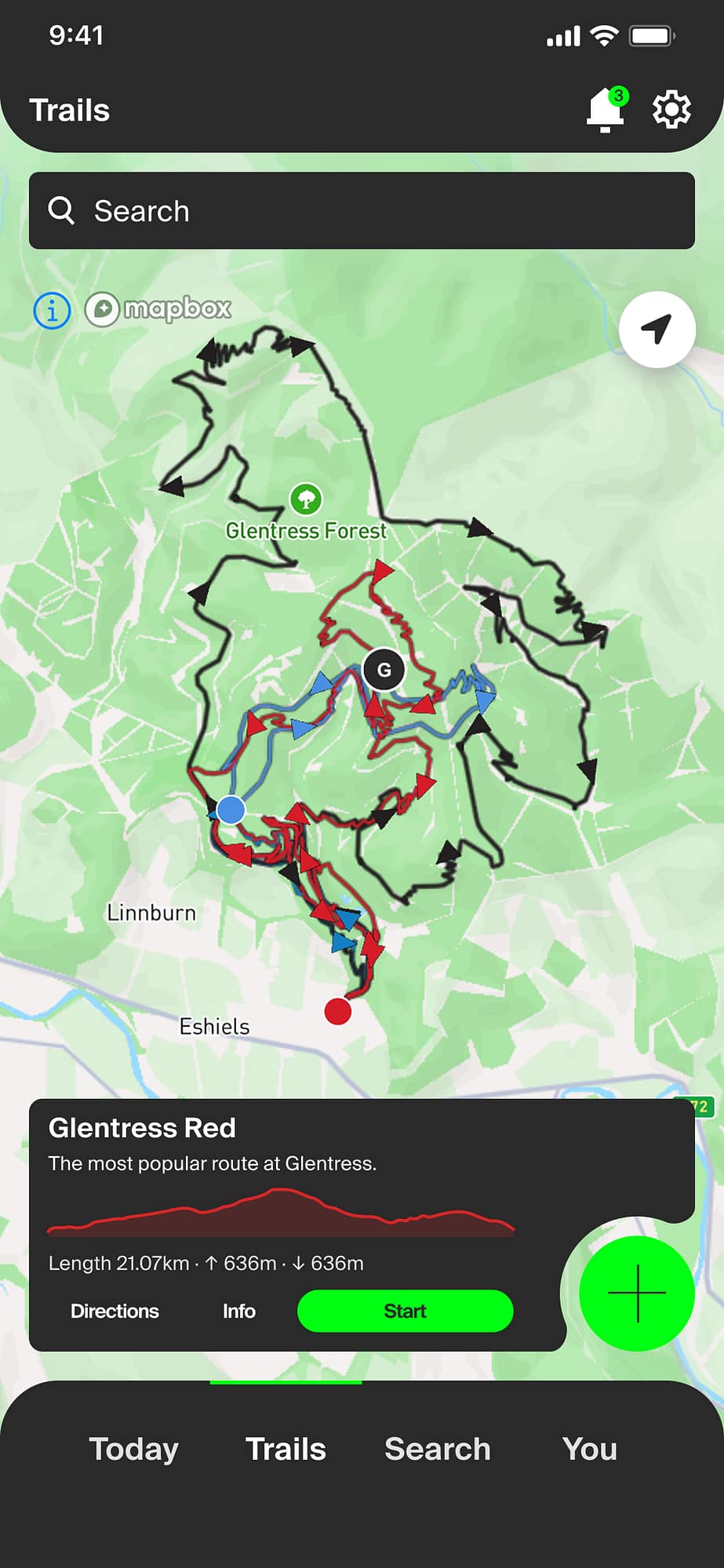
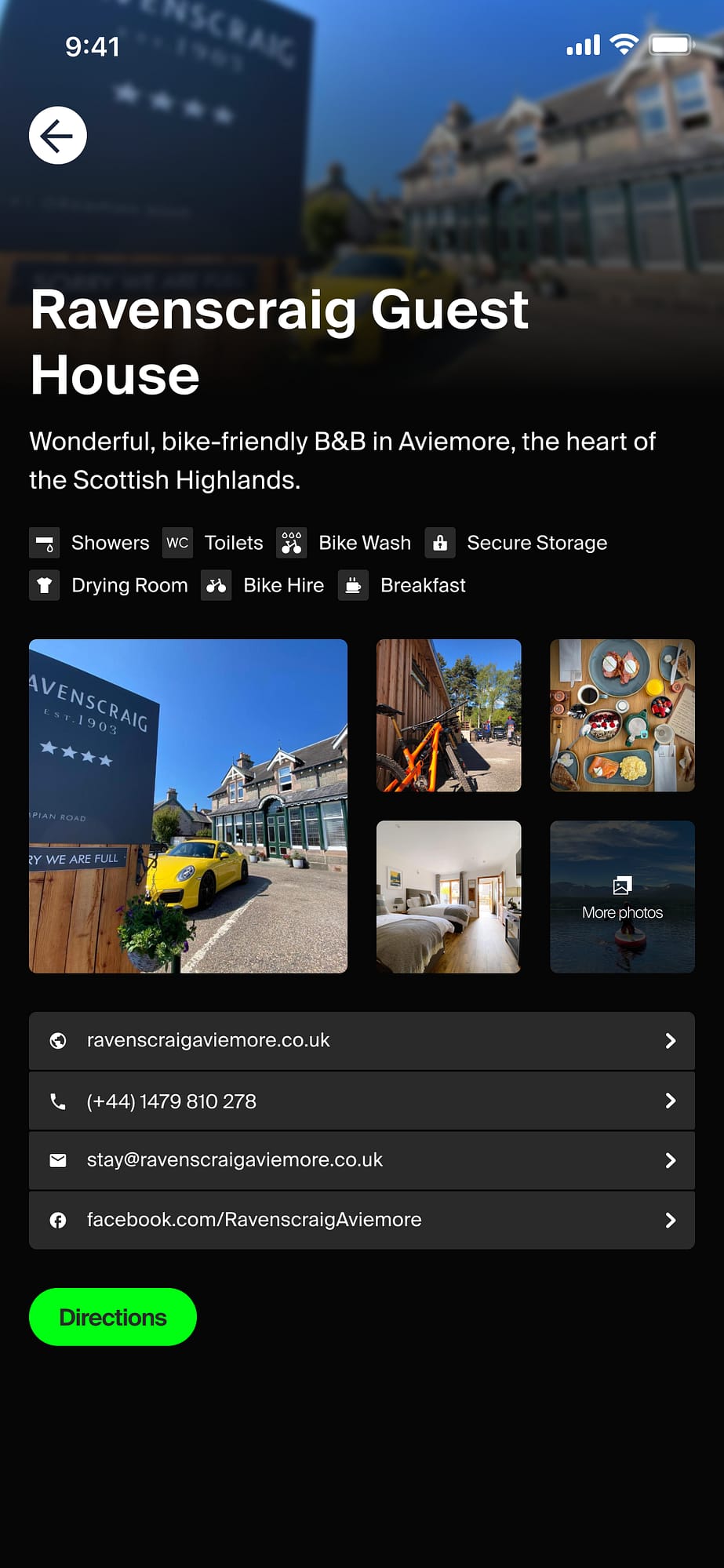
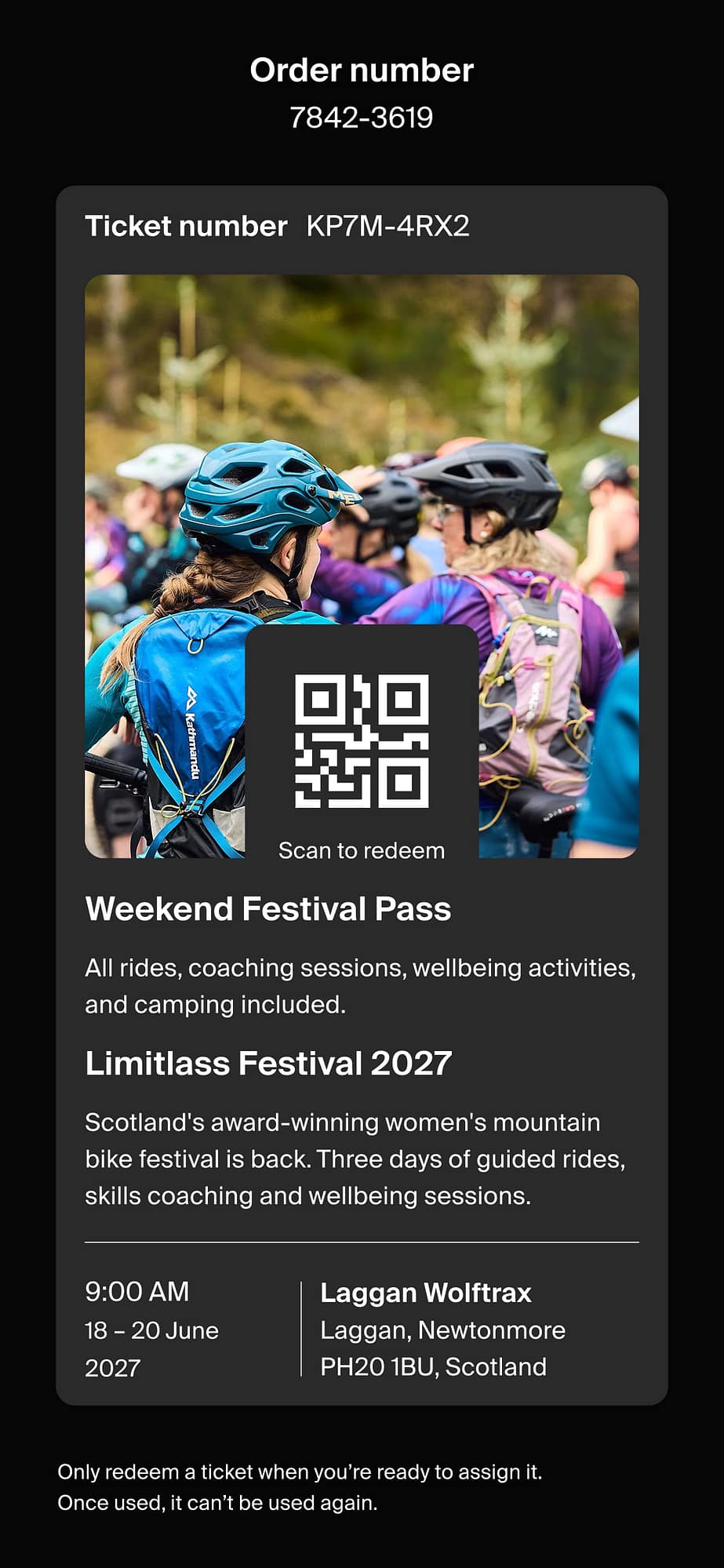
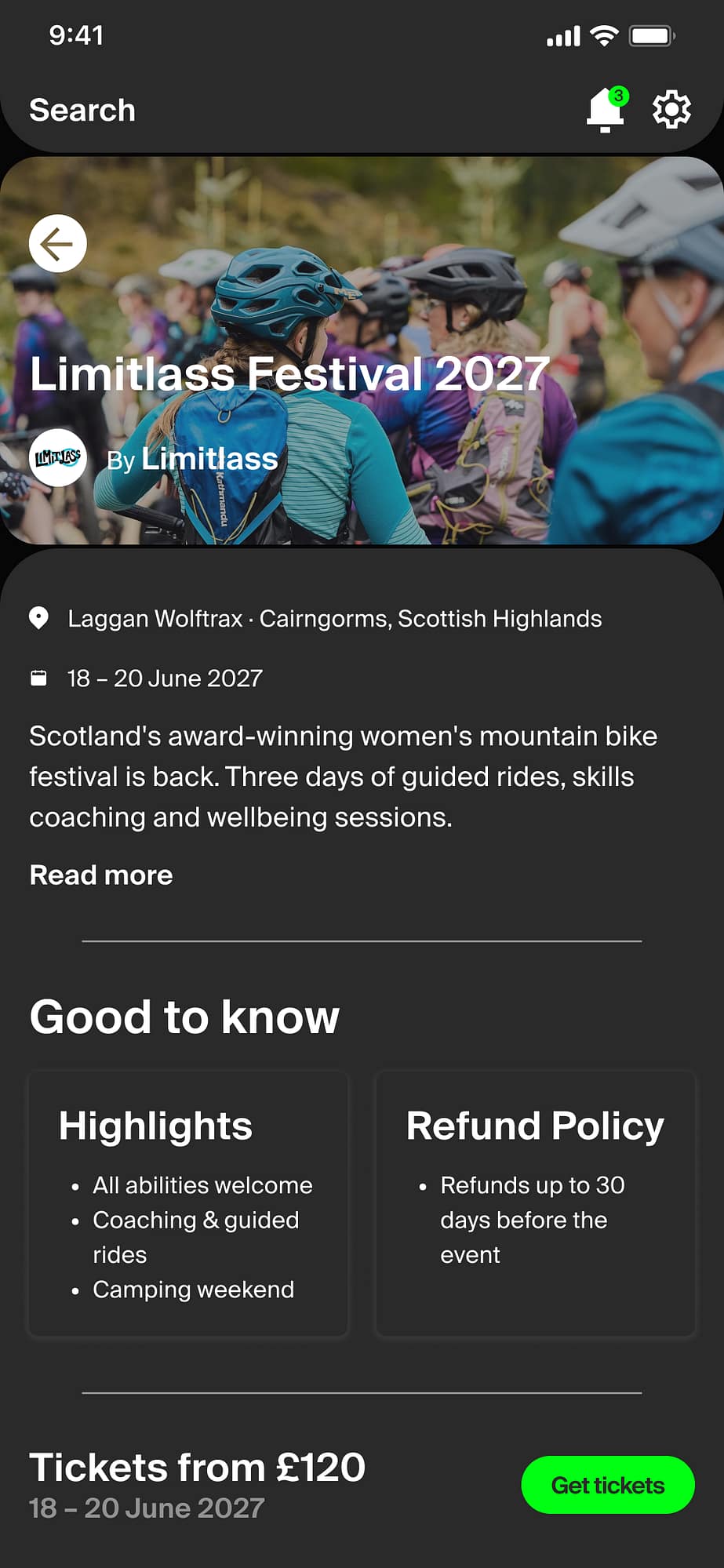
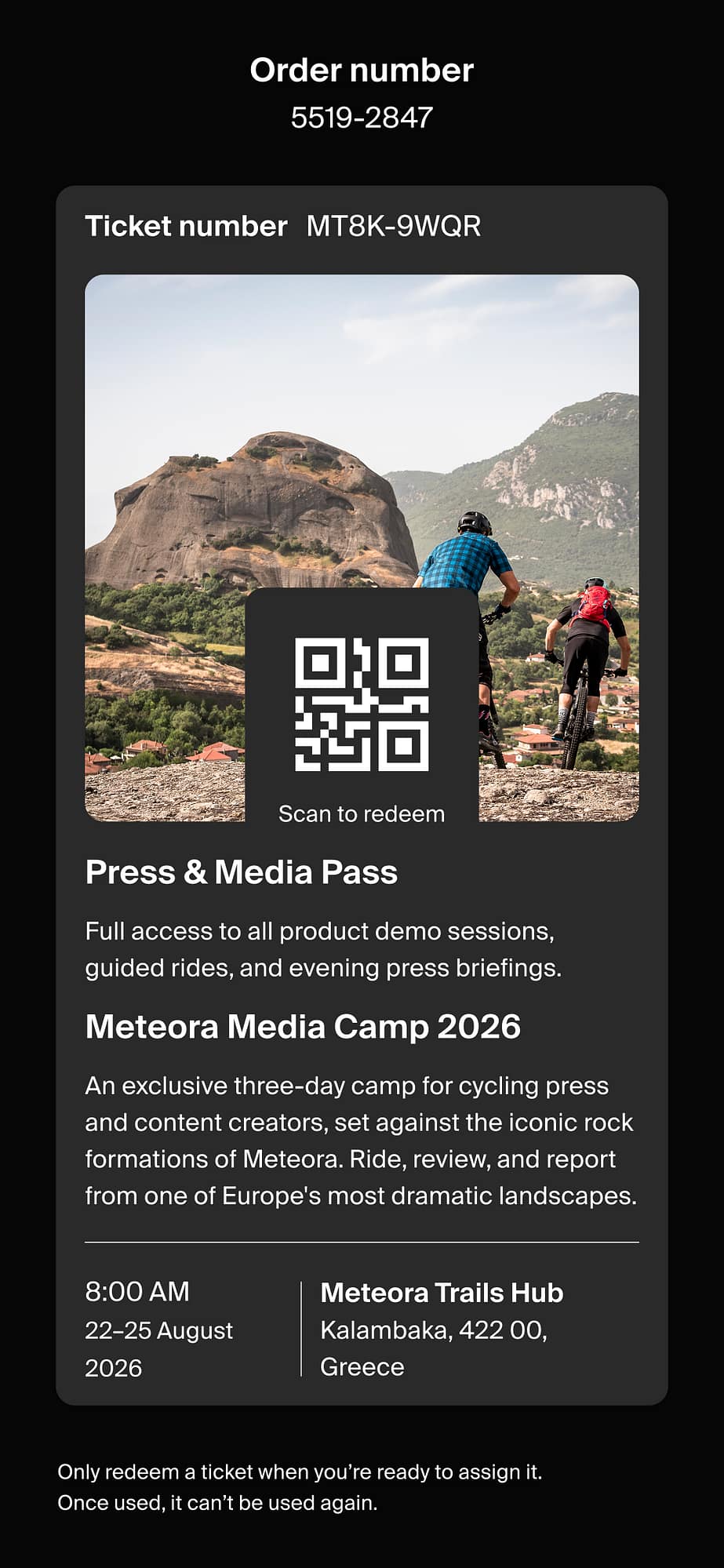
The core features cover trail tracking, social community, events, and ticketing.
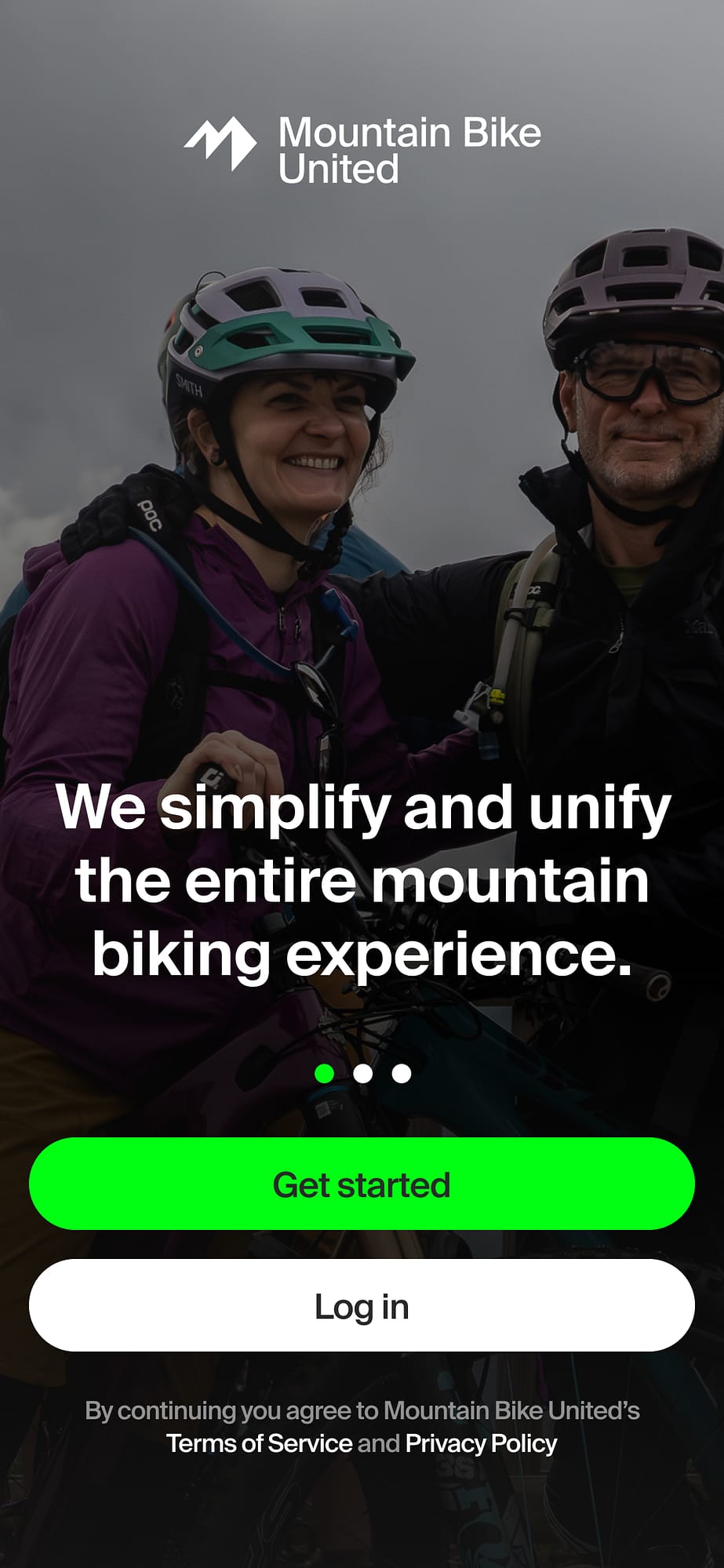
End user onboarding
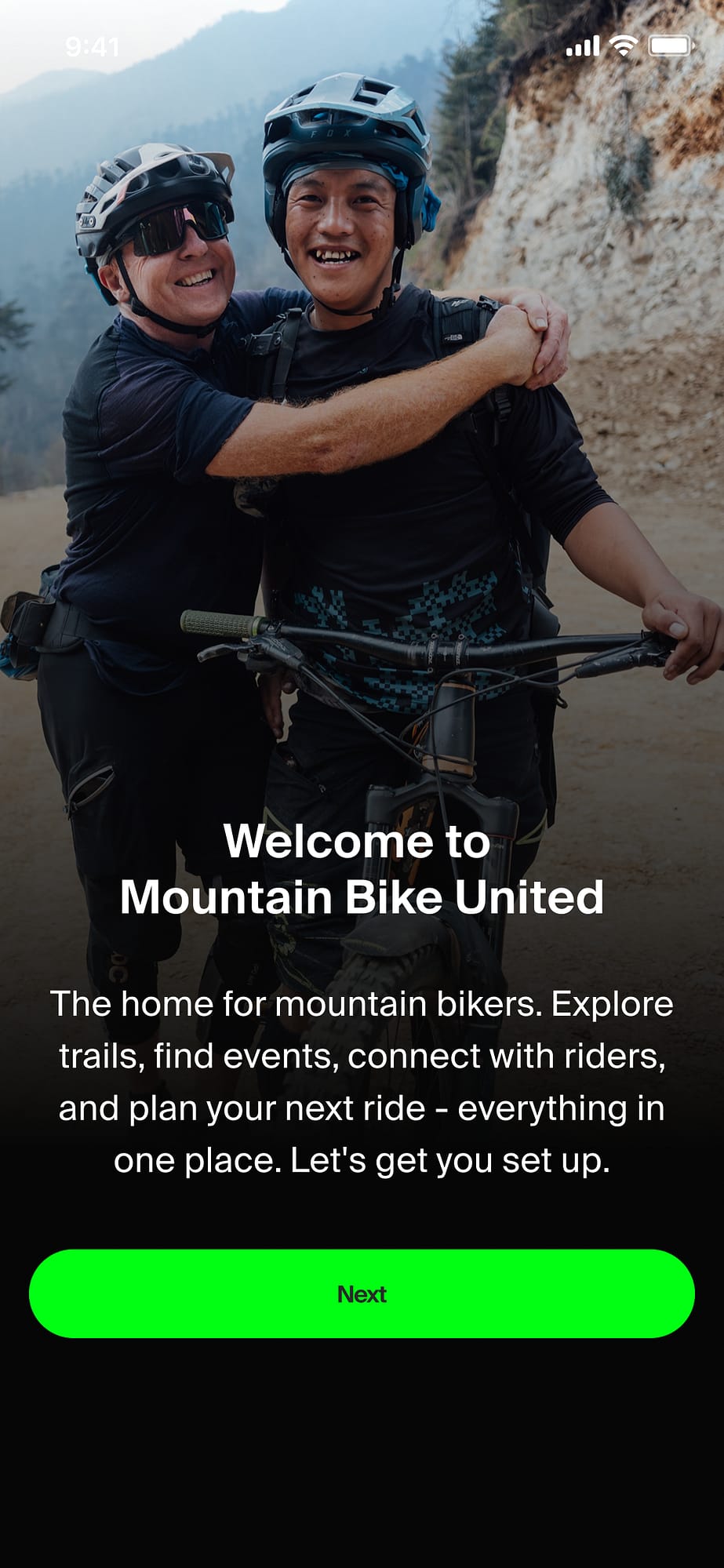
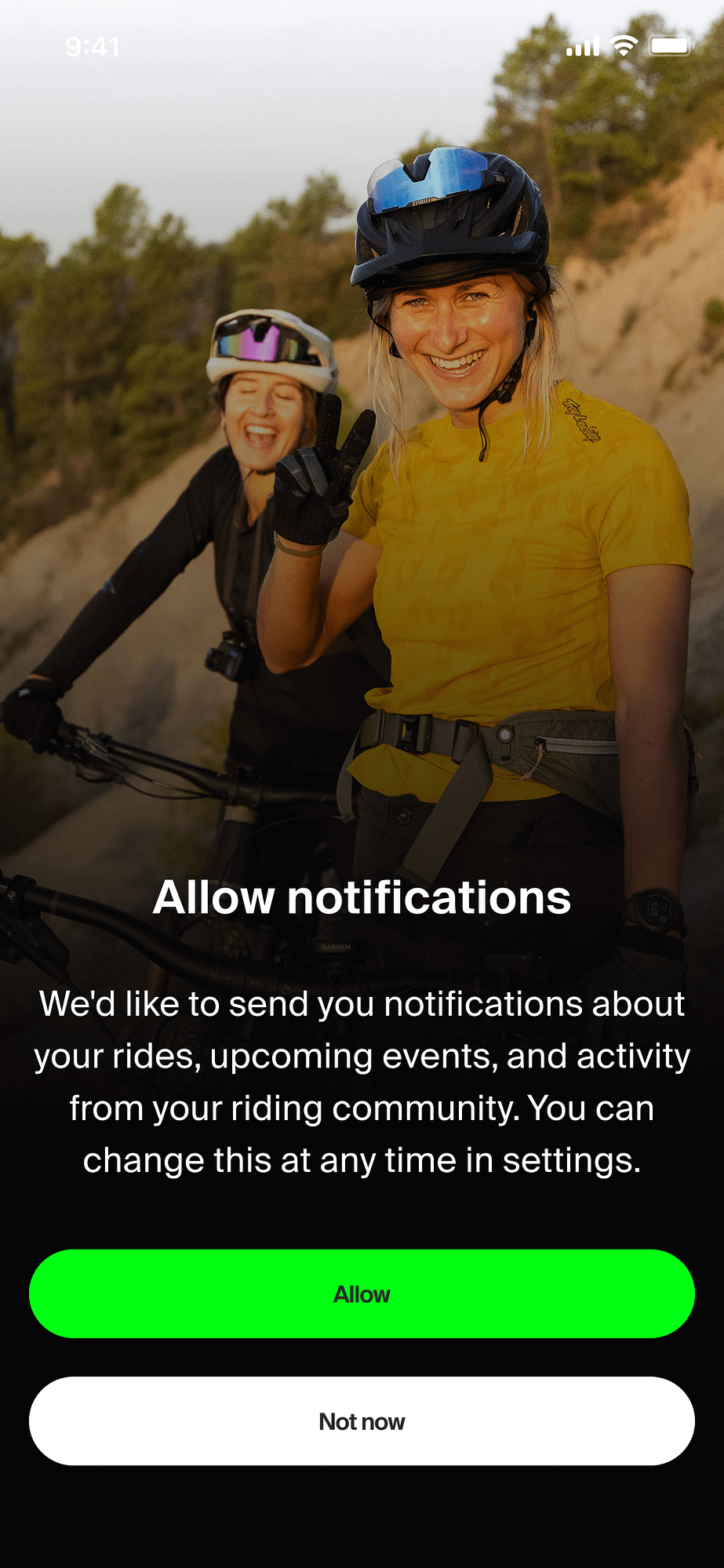
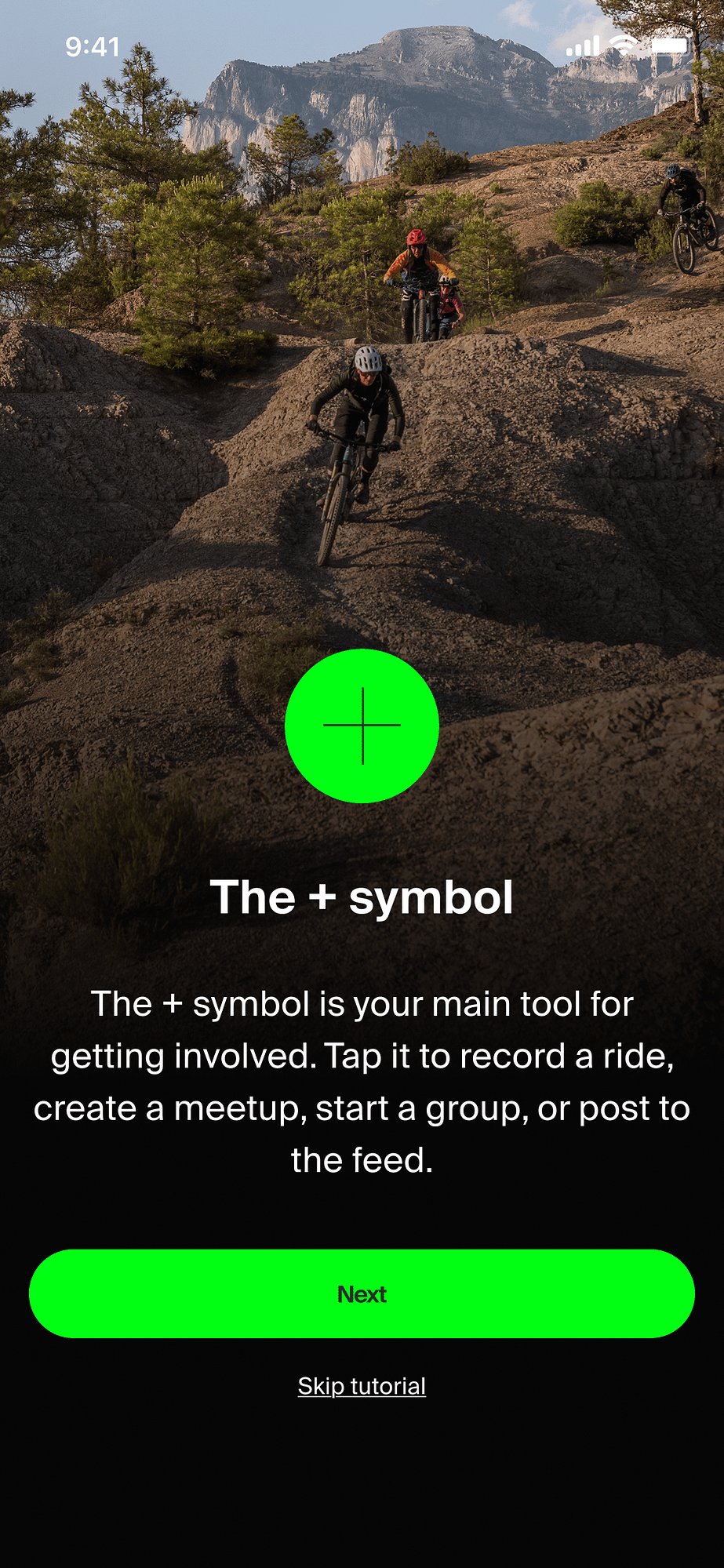
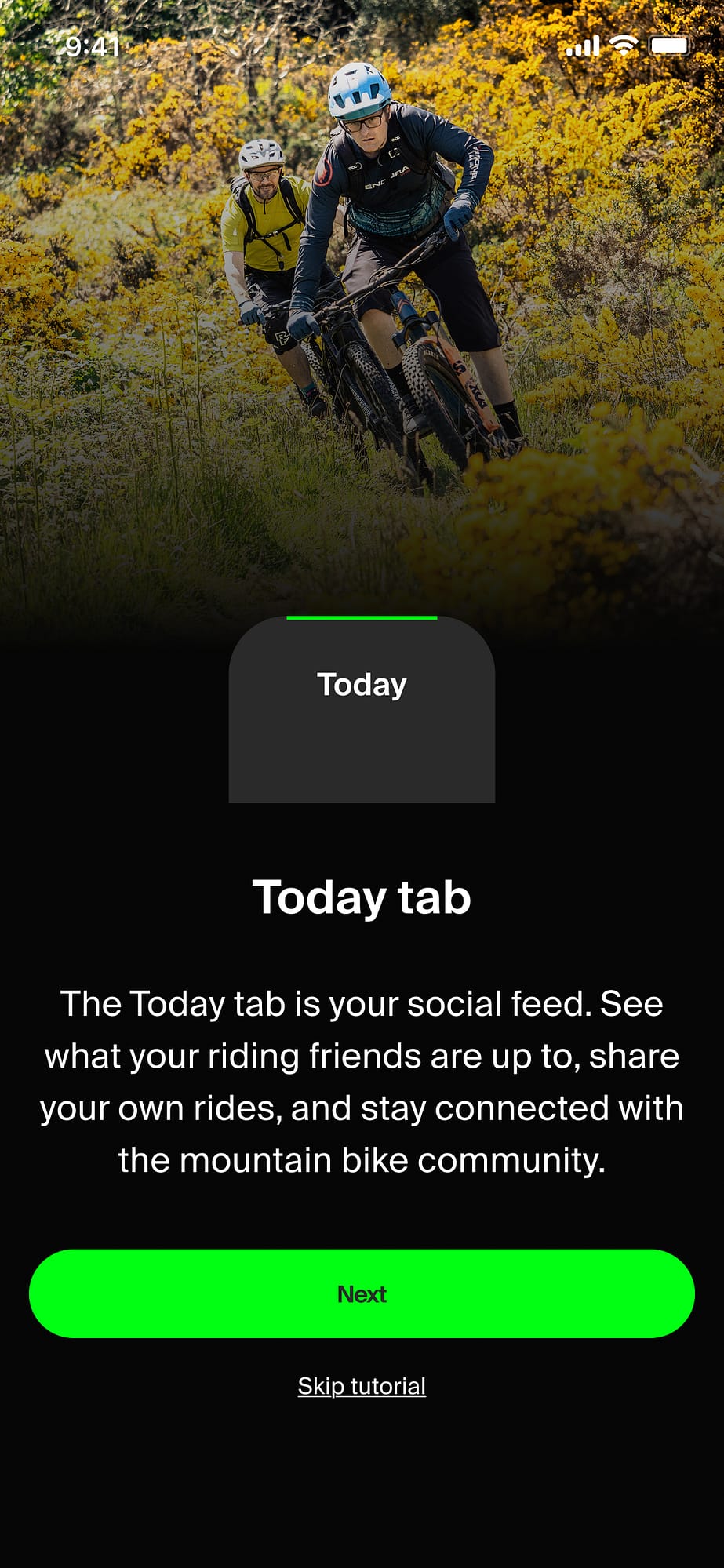
Getting someone from download to active user is where a lot of apps lose people. The welcome screens in the onboarding flow handles two contexts: people being invited to the app via a link to an event they’re received a ticket to, and organically. Event attendees end in a post-event app tutorial.
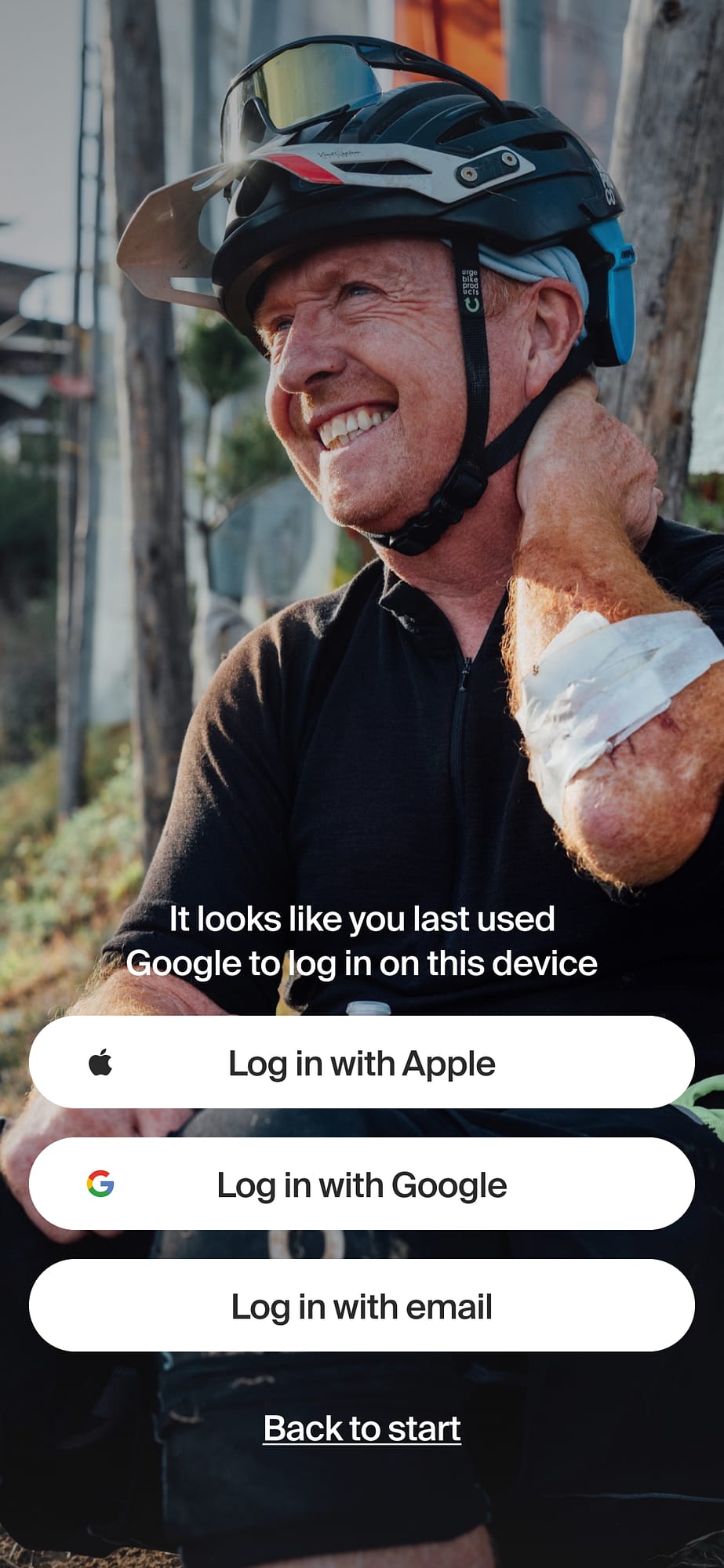
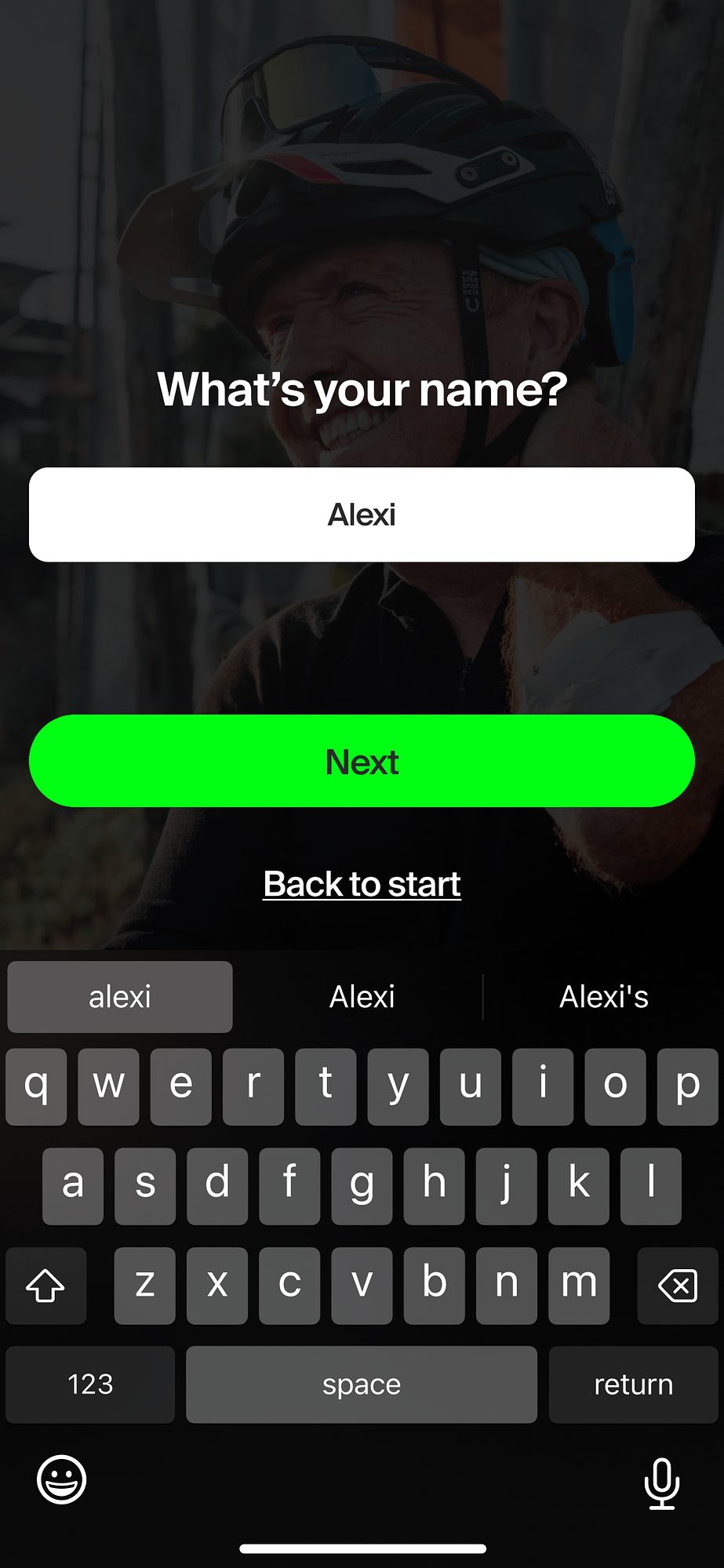
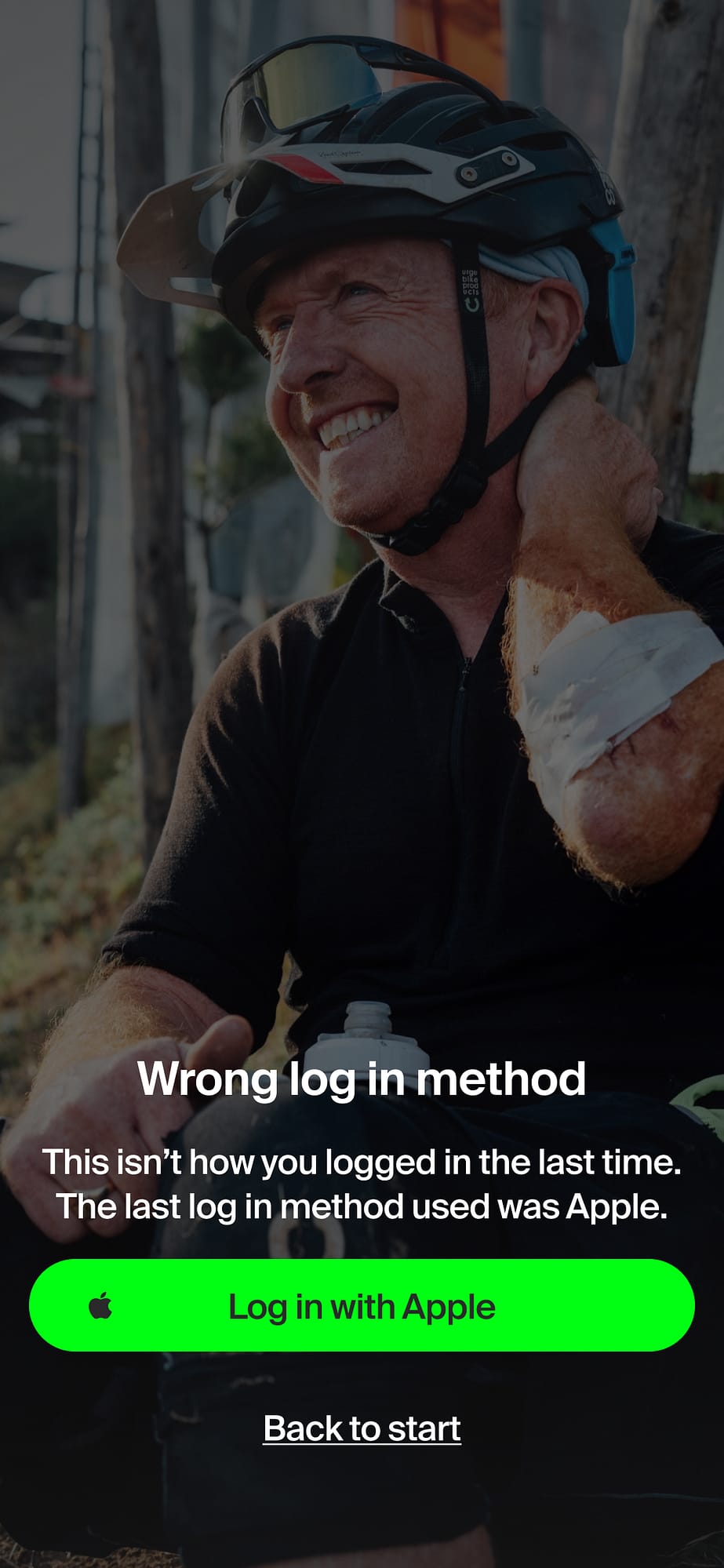
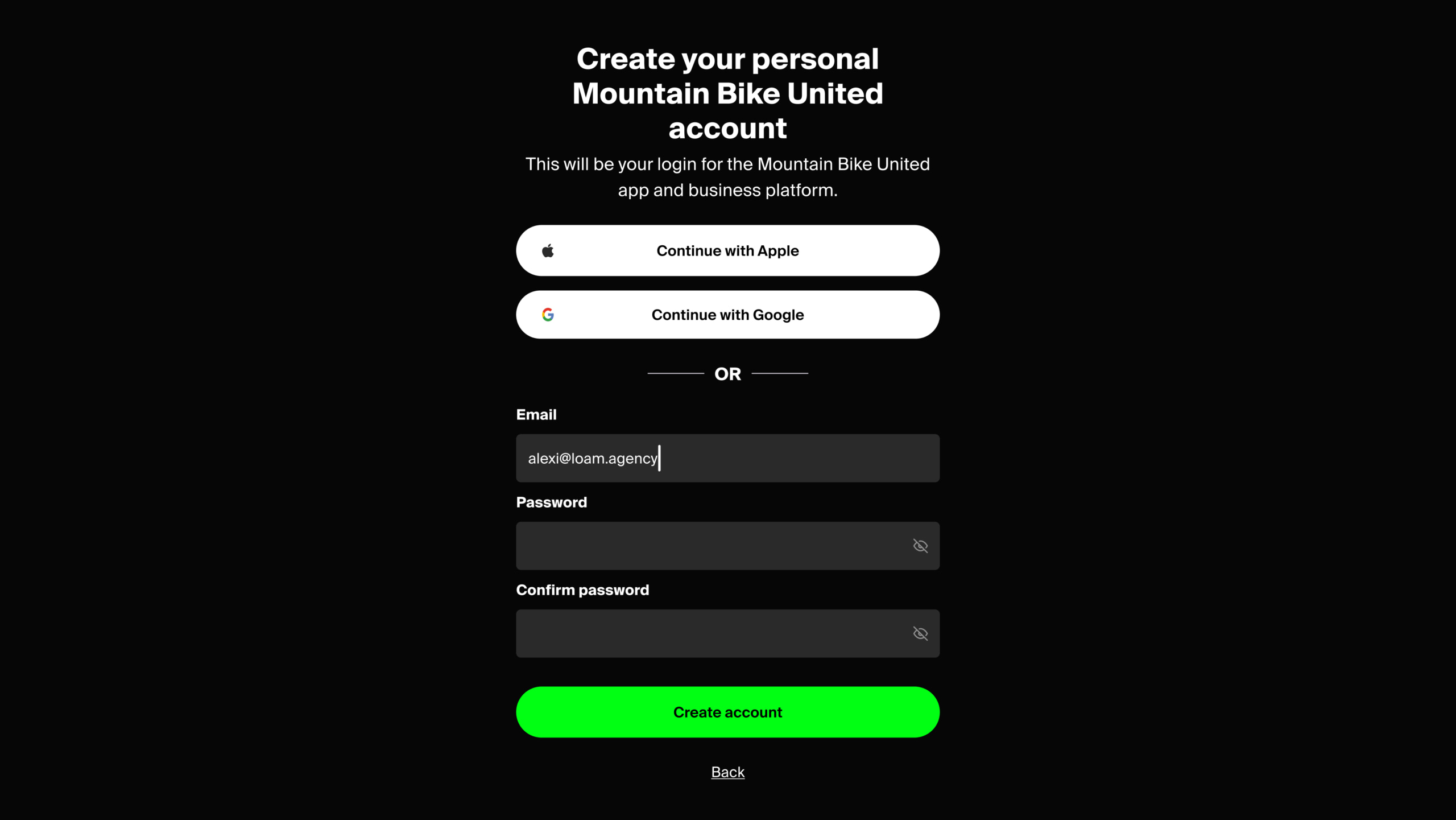
Account creation covers the full range of auth states – Apple/Google SSO, email signup, login, password reset, and error handling for edge cases like attempting to log in with an account that was registered via a different auth method.
The business platform
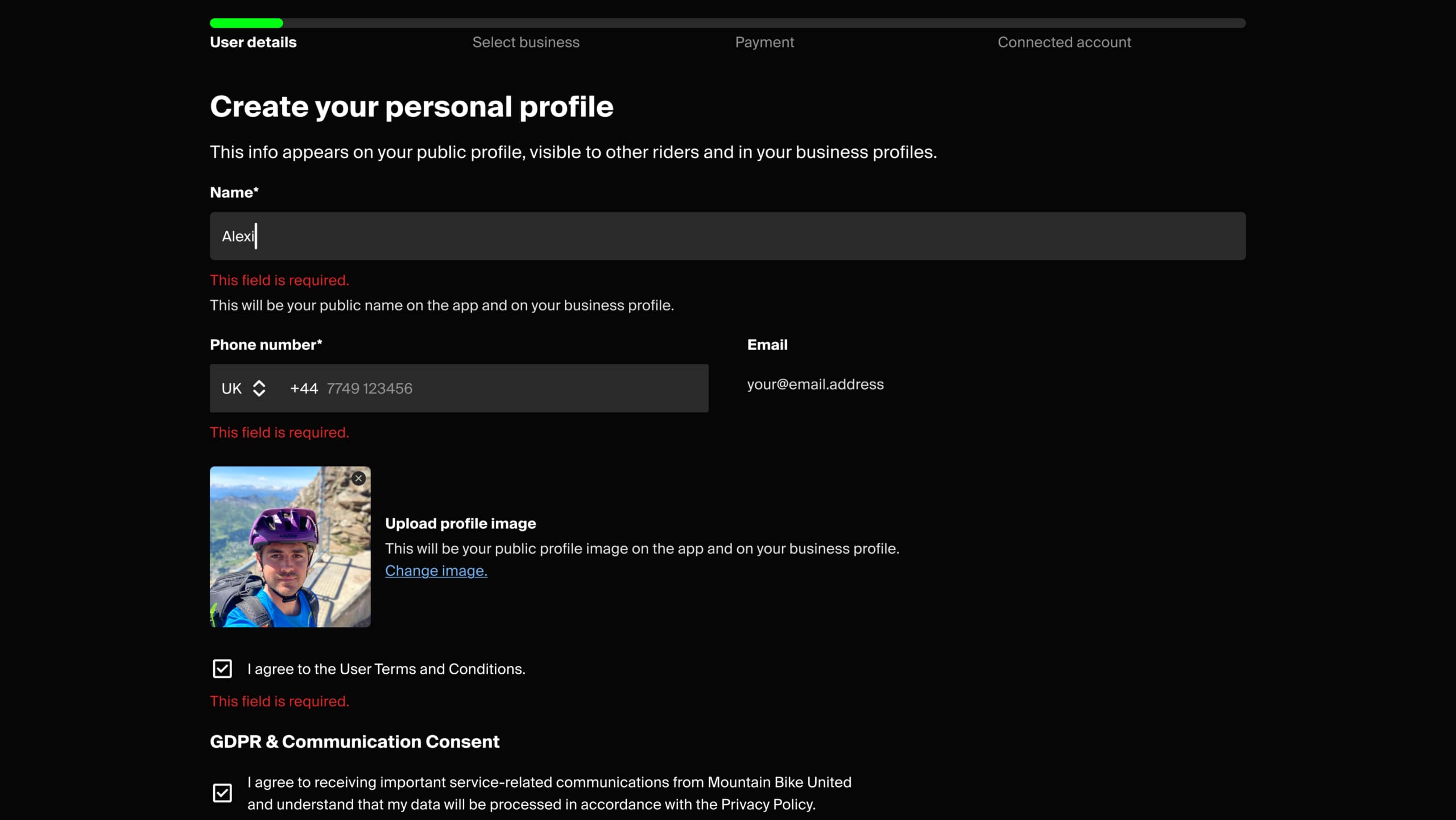
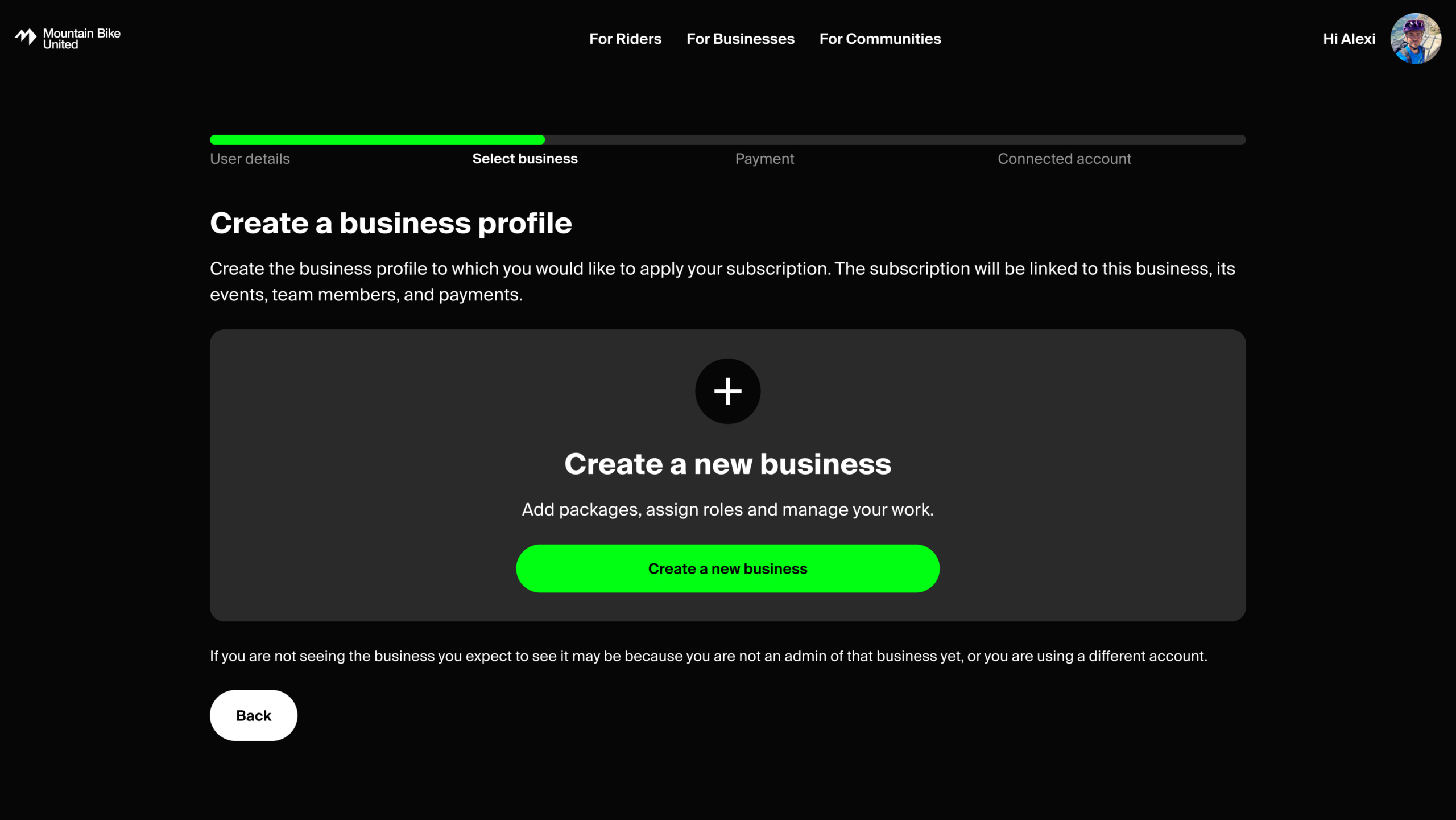
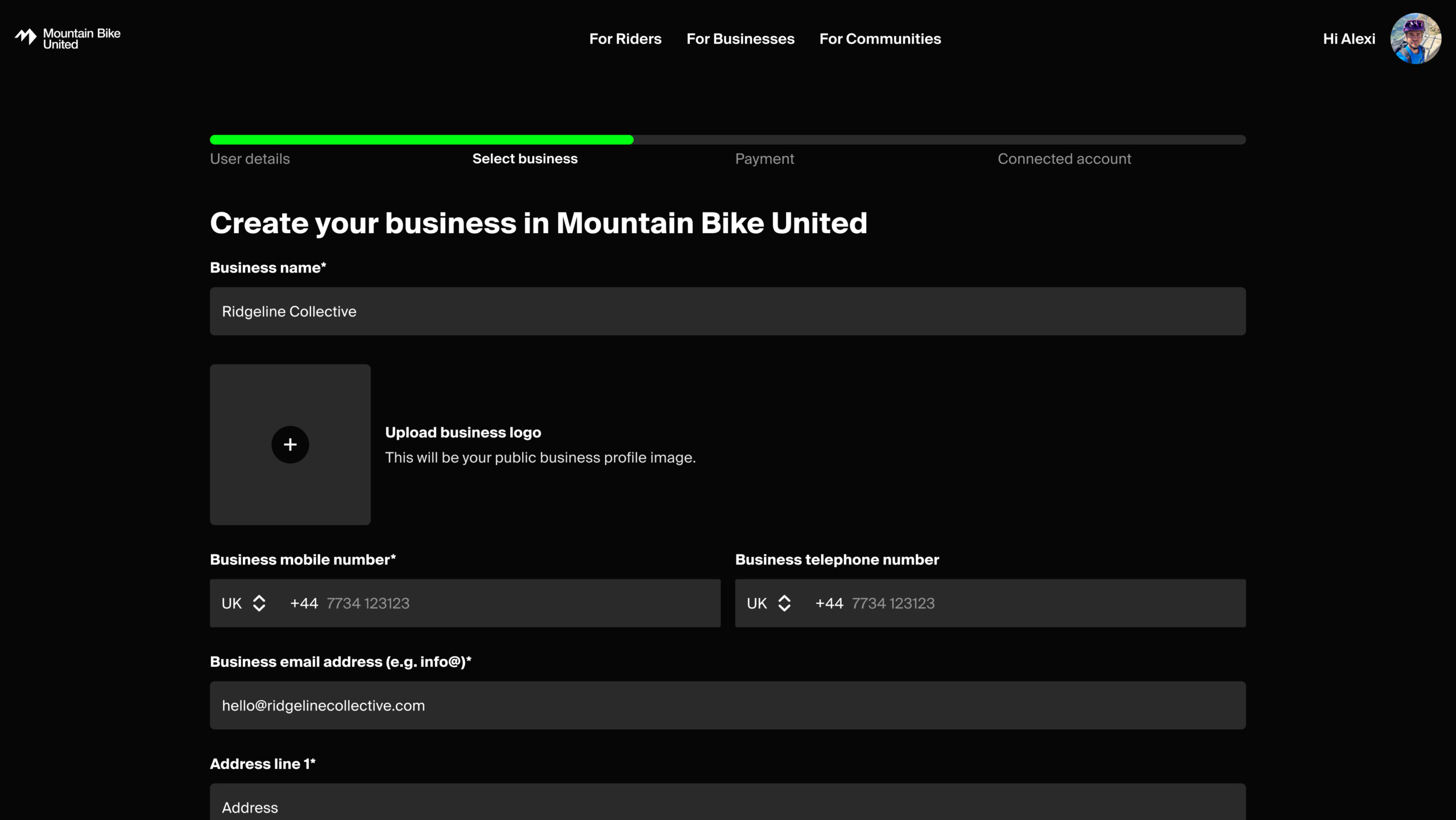
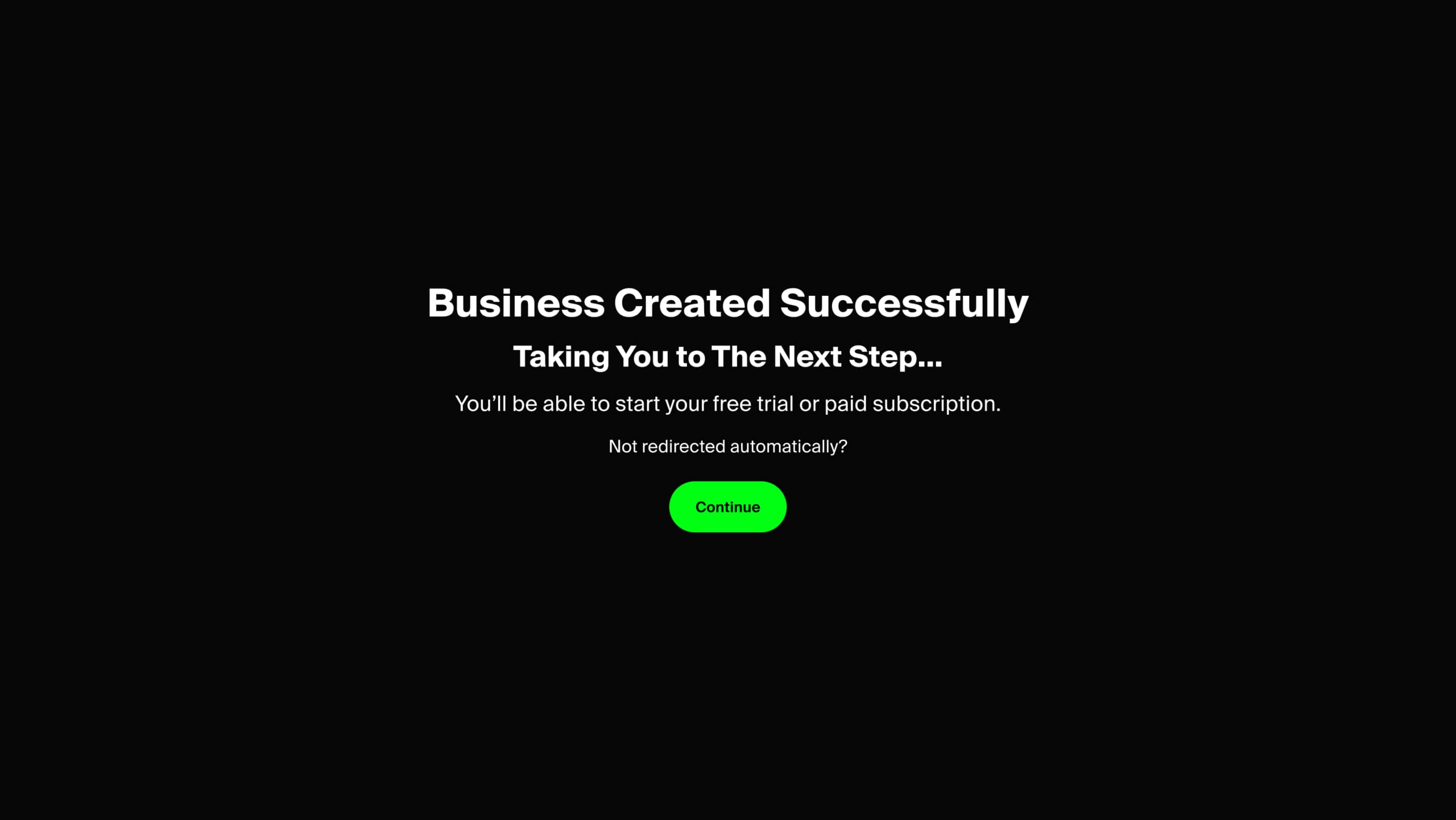
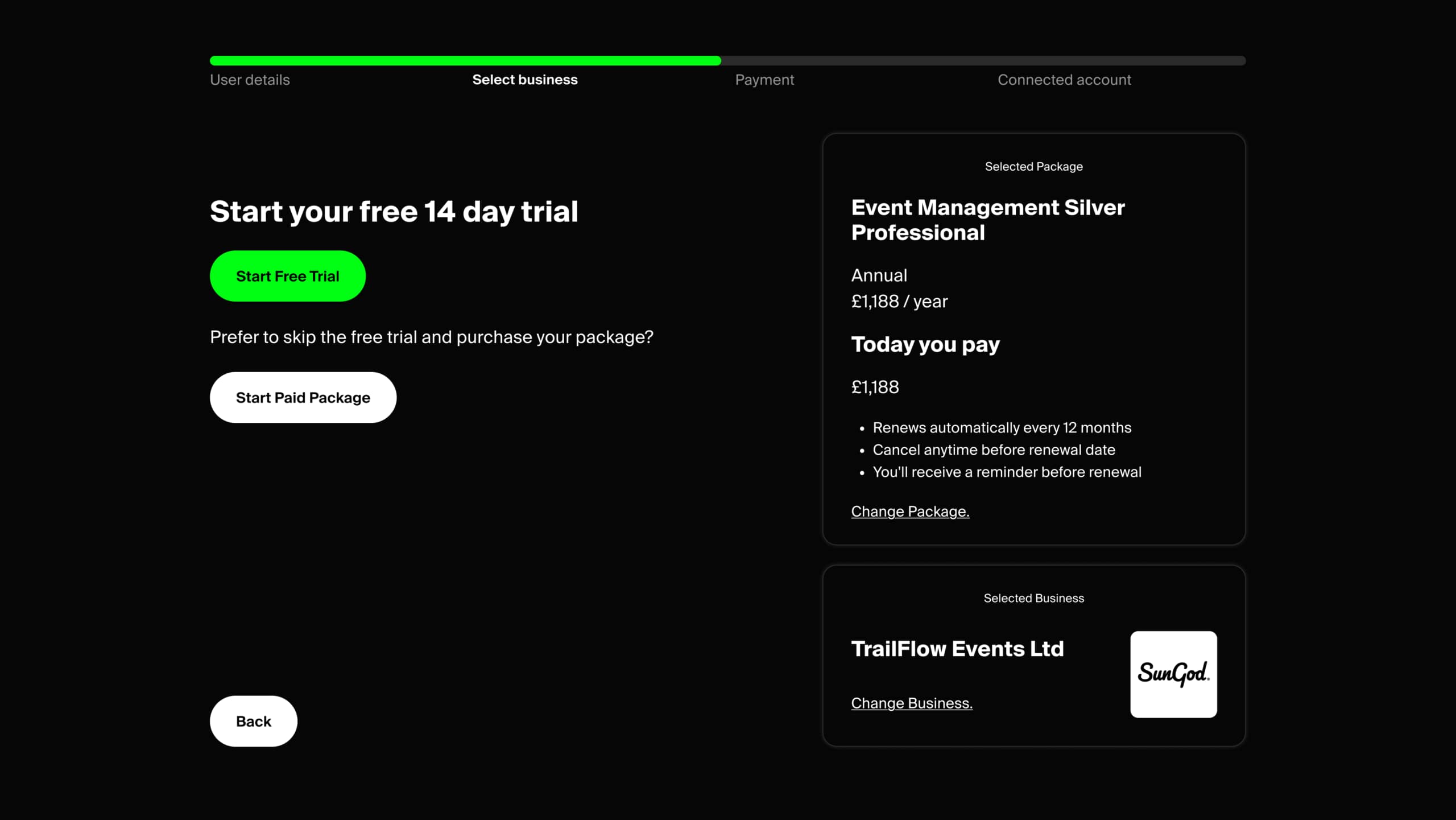
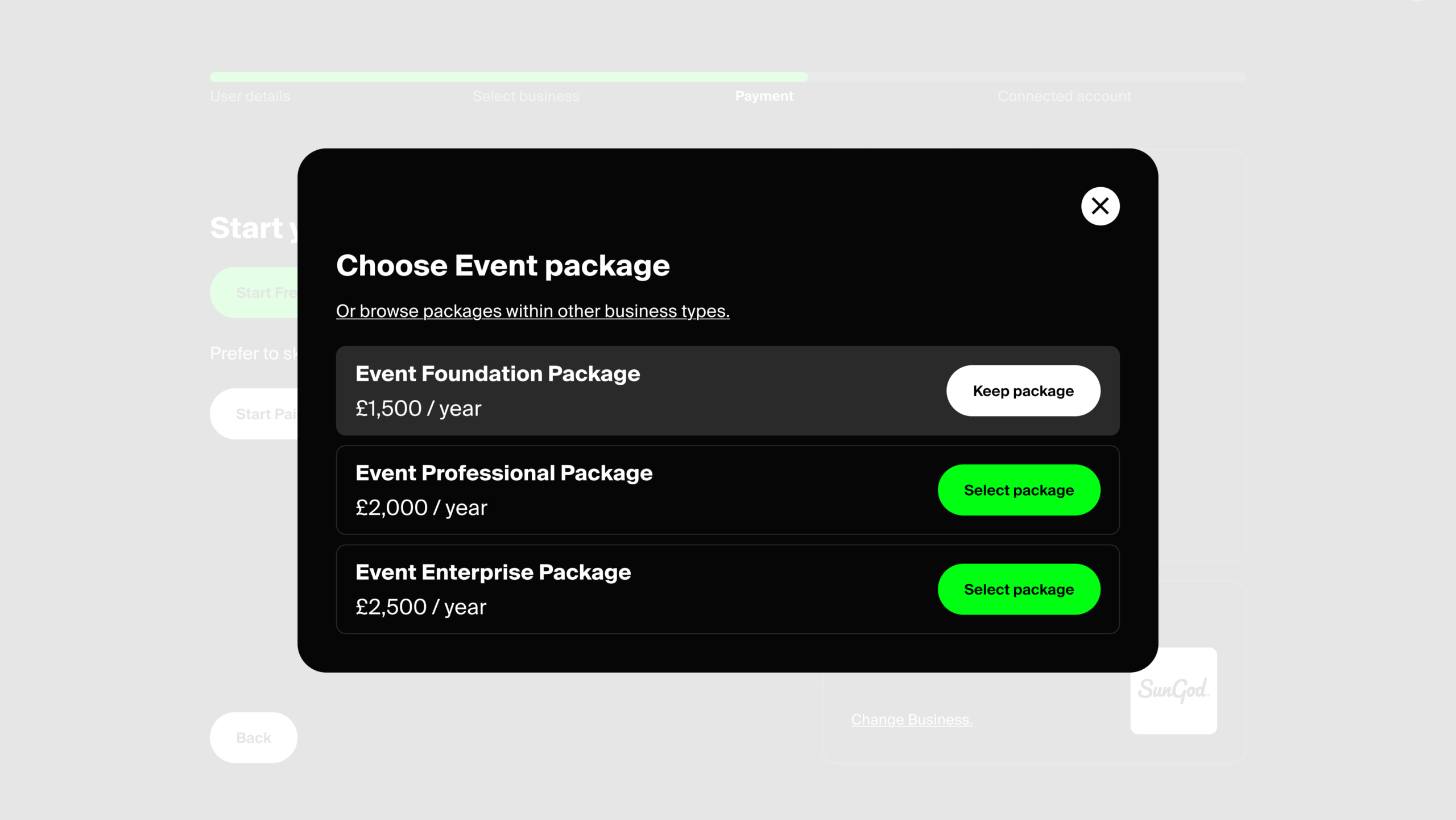
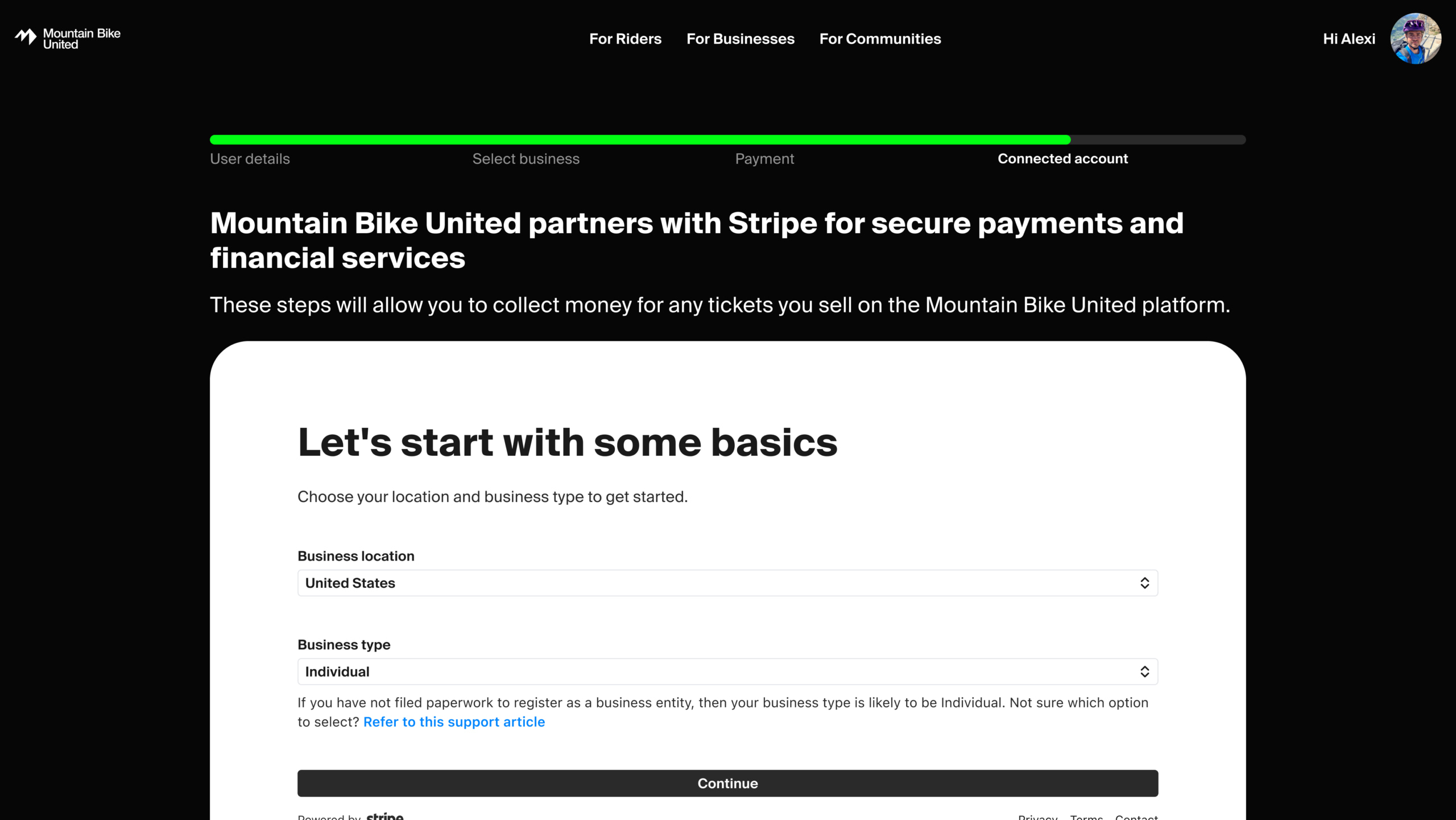
The admin web is how event organisers, clubs, associations, DMOs, and trail managers manage their presence on Mountain Bike United. There are multiple different business types each with their own package options (Foundation, Professional, Enterprise) and the onboarding flow handles all of them through a single adaptive journey.
Design system
The design system is built around a dark theme with a single brand colour as the sole accent: Neon electric green. Everything else uses a set of neutrals (Base Black, Surface Black, Dark Grey, Light Grey, White) and four semantic colour scales.
Typography runs across separate desktop and mobile scales, both with defined weight hierarchies. Having this all locked down early meant individual features could be built at pace without constant design decisions slowing things down.
Colours
Brand
Neutral
Semantic
Information (Blue)
Success (Green)
Warning (Orange)
Error (Red)
Low-fi wireframes
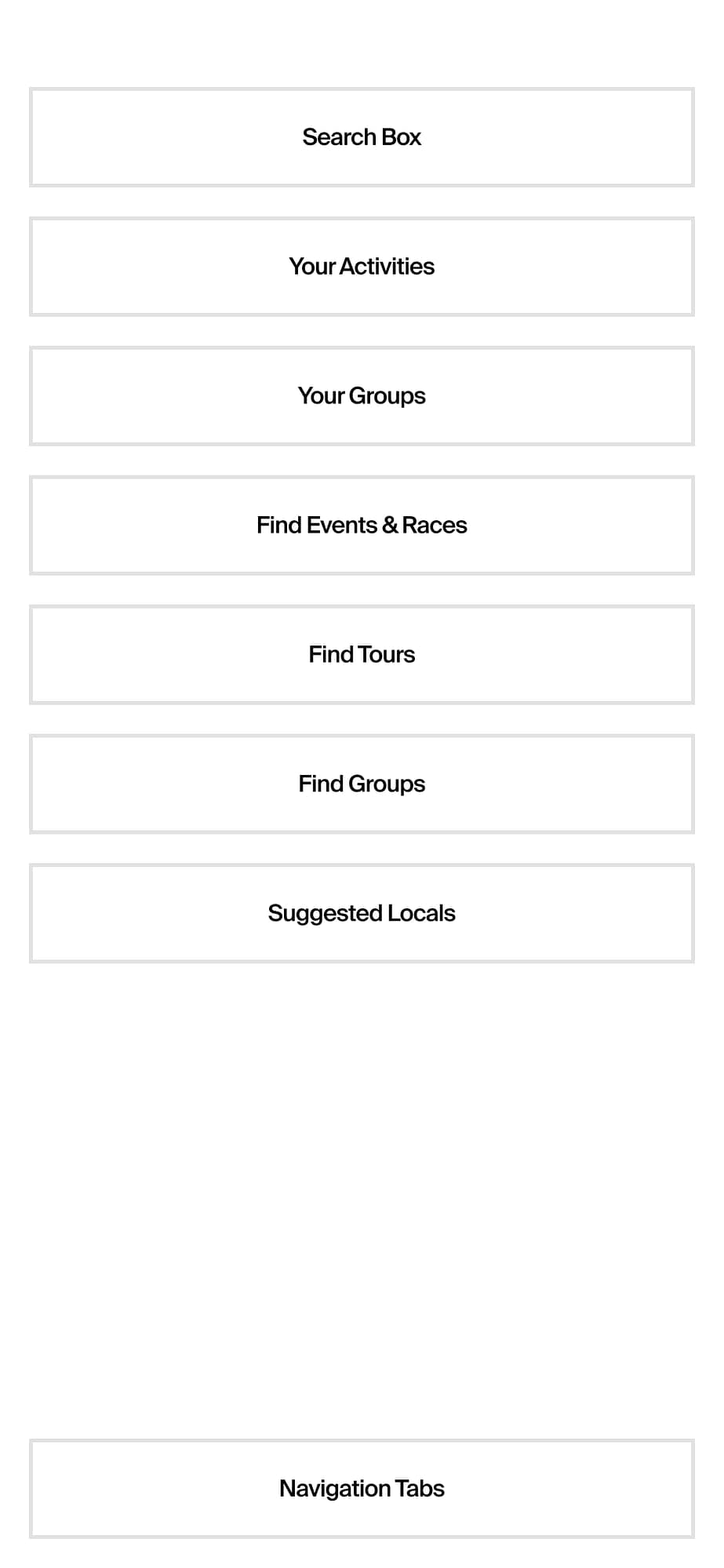
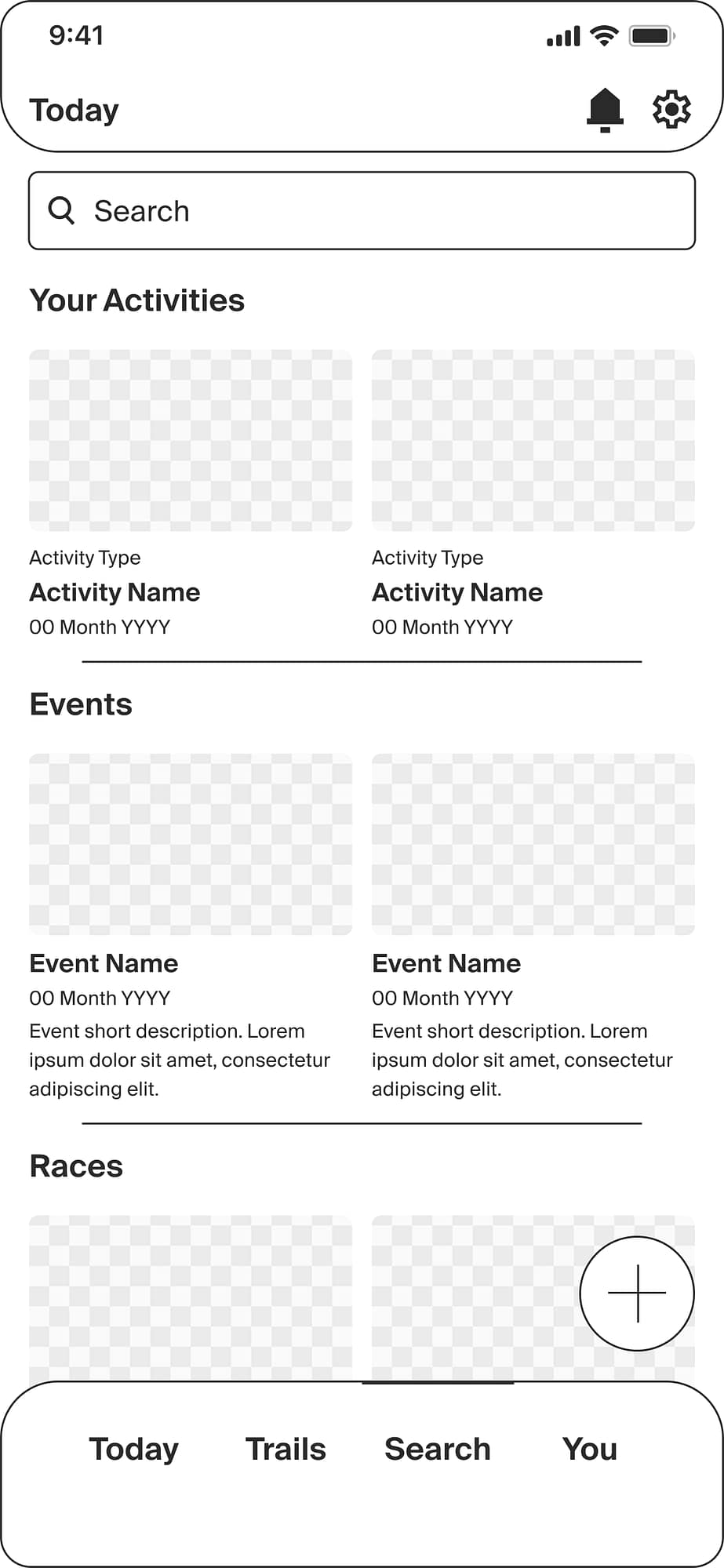
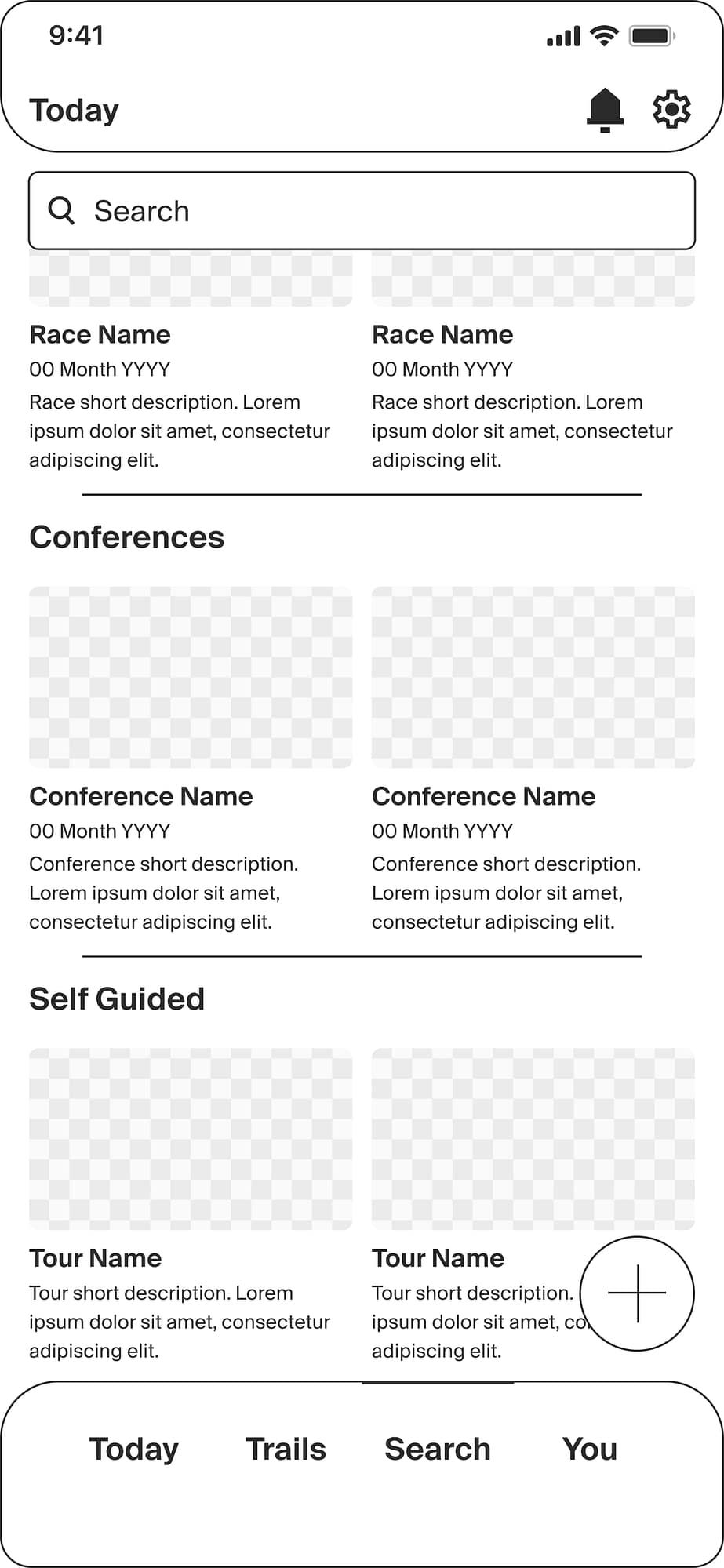
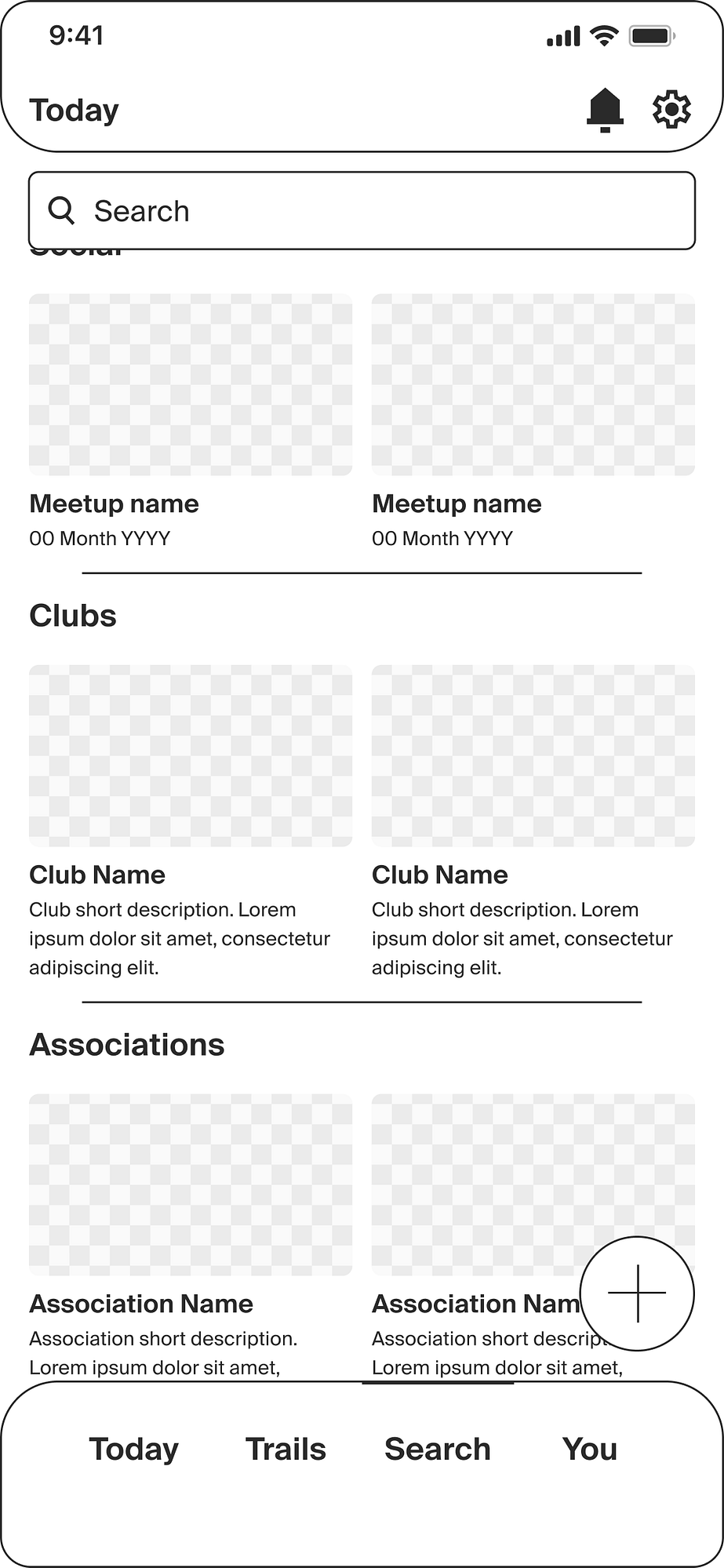
Before committing to hi-fi, I wireframed the key user journeys to validate layout decisions, screen hierarchy, and user flow decisions with the team so that feedback can be actioned quickly in easily-adaptable designs.
Beyond the screens
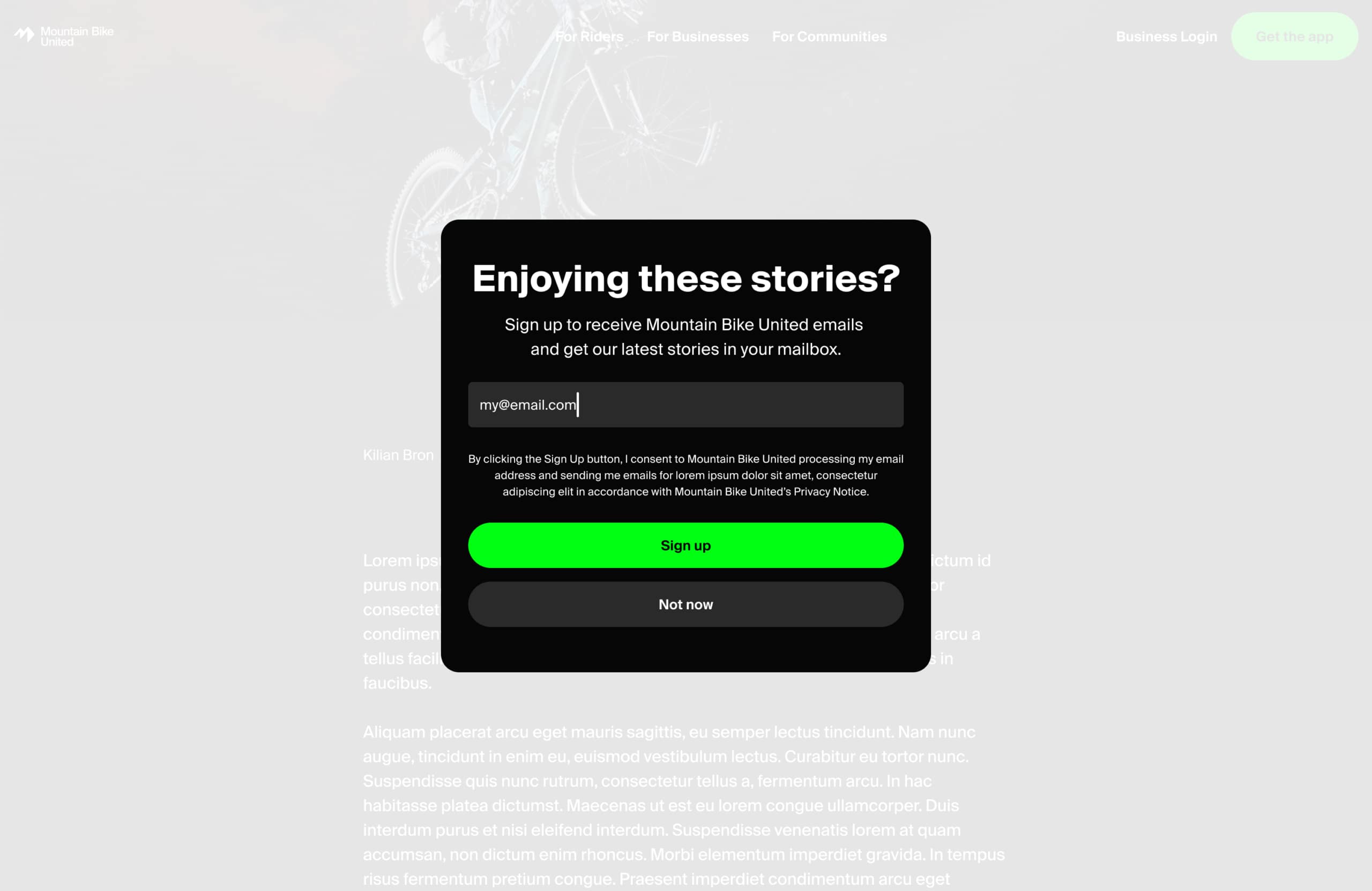
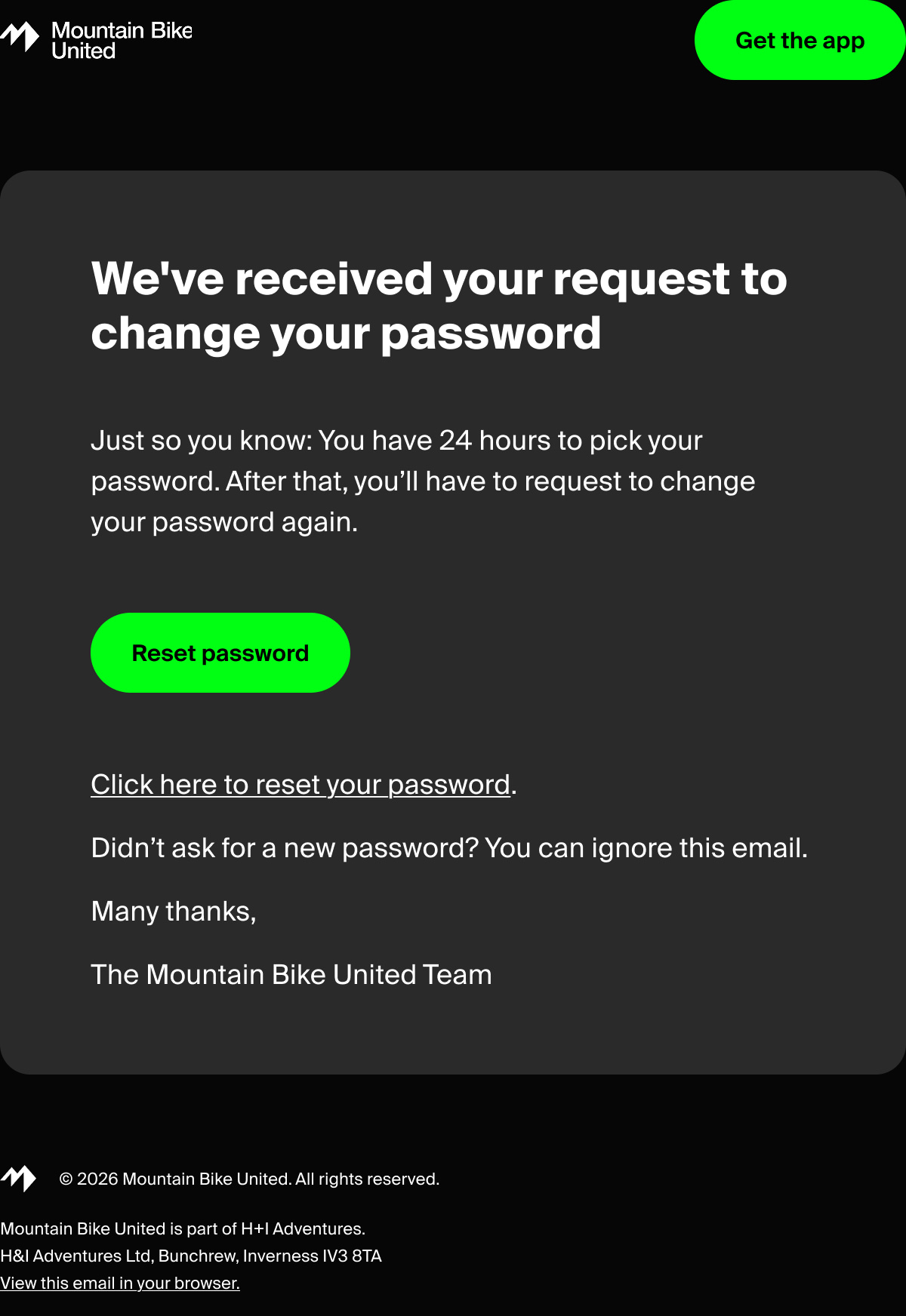
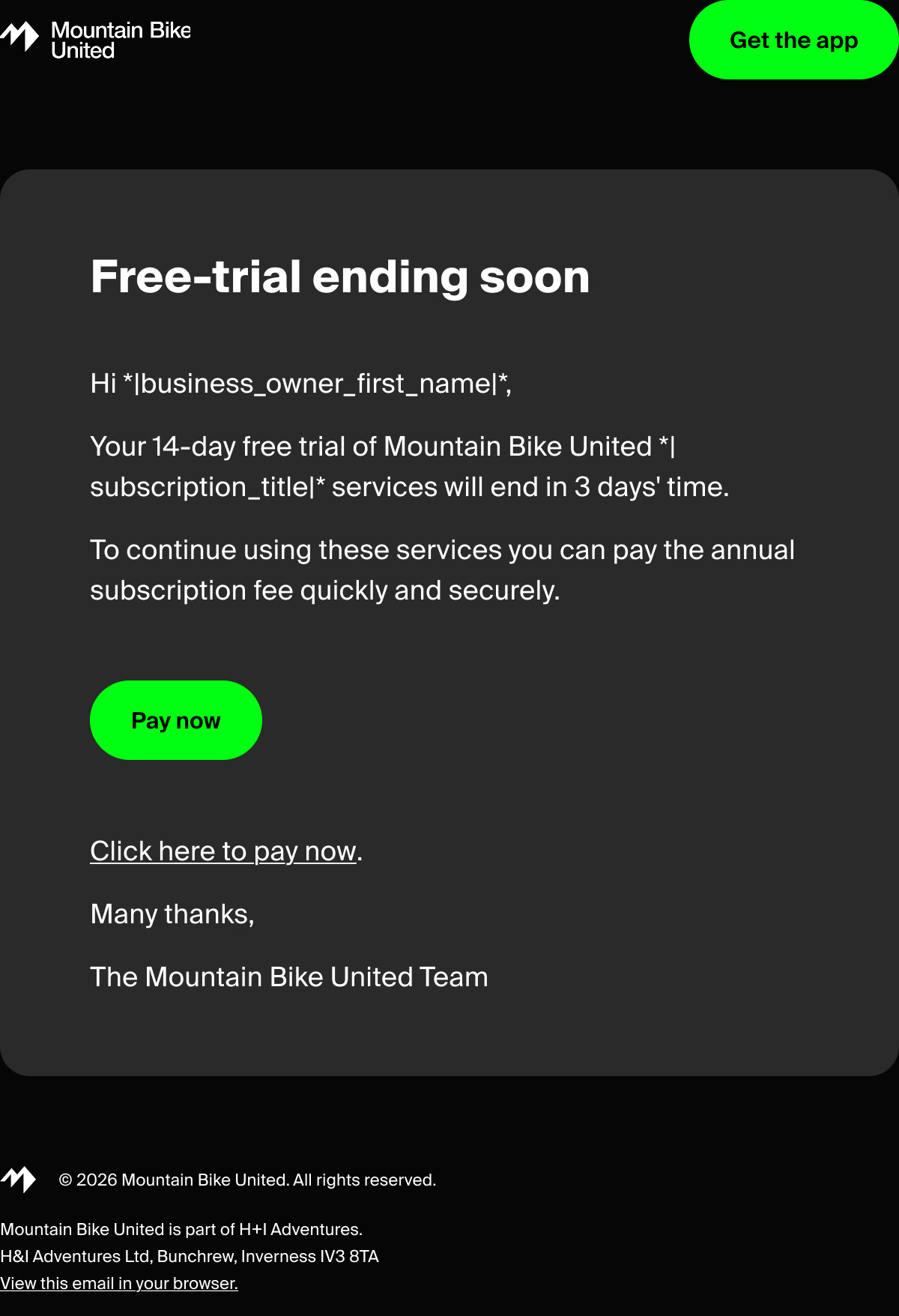
The platform’s UX doesn’t stop at the app. I designed the full email system: Welcome emails, email verification, password management, account deletion, and the complete B2B CRM lifecycle from trial start through to renewal reminders and payment confirmation. Every communication touchpoint is branded and designed for a consistent user experience.



Related Projects
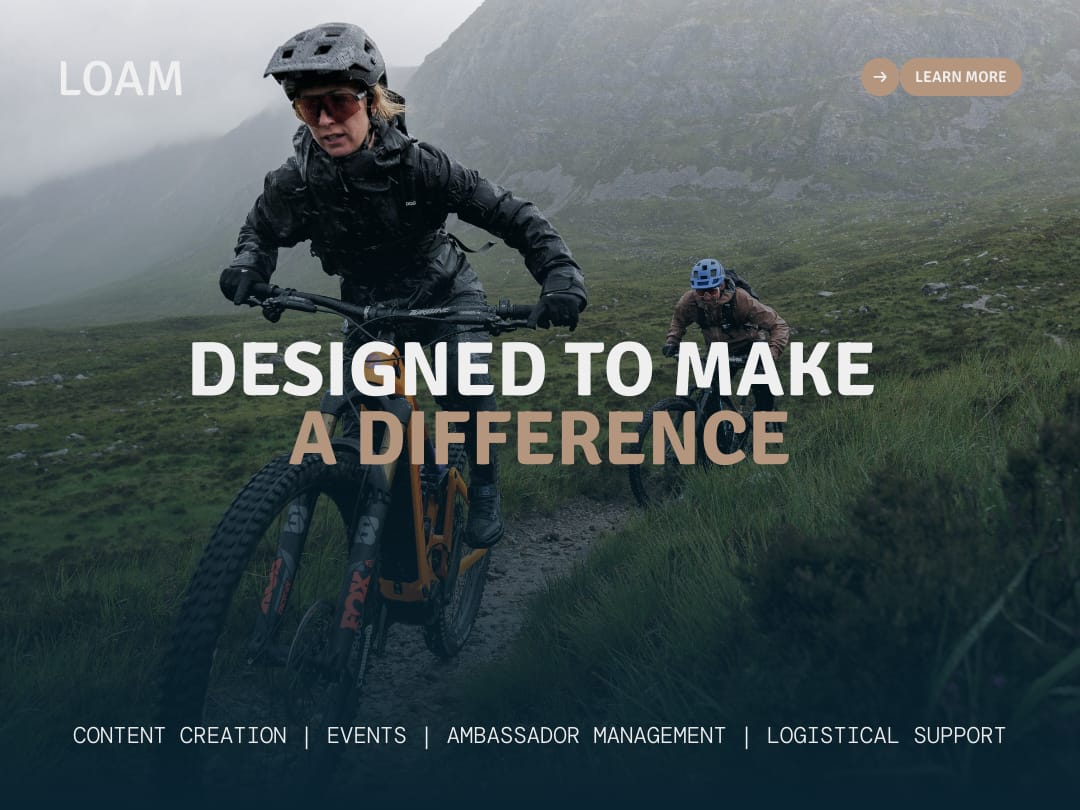
Outdoor Marketing Agency Brand Creation
Took an agency from zero brand to a fully systemised identity. Logo, site, and content engine driving a 400% YoY increase in client enquiries.
Ghost E-Riot Photo and Video Production
Concepted and led production end-to-end on a story-led launch film, delivering a hero video, 30 supporting assets and 150+ photos in a two-week turnaround.
Mountain Festival content strategy
Led social activation end-to-end — +95% Facebook reach, +29% ticket sales against the prior year.